EDITABLE 3D FLOOR PLAN

Create a 3D Floor Plan You Can Explore and Edit

Turn an idea or reference into a structured 3D layout, or open a project already in progress. Inspect room relationships and change supported elements directly in 3D without rebuilding the plan.

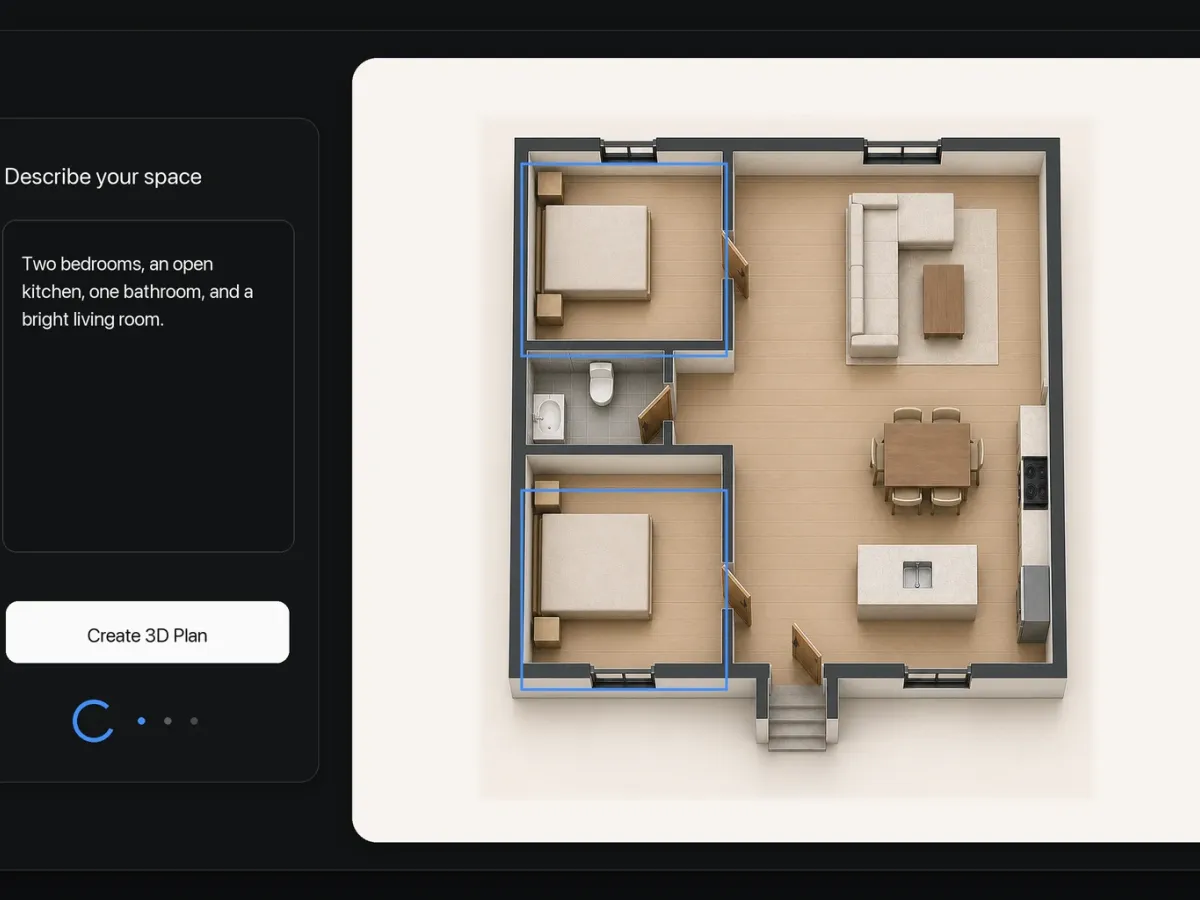
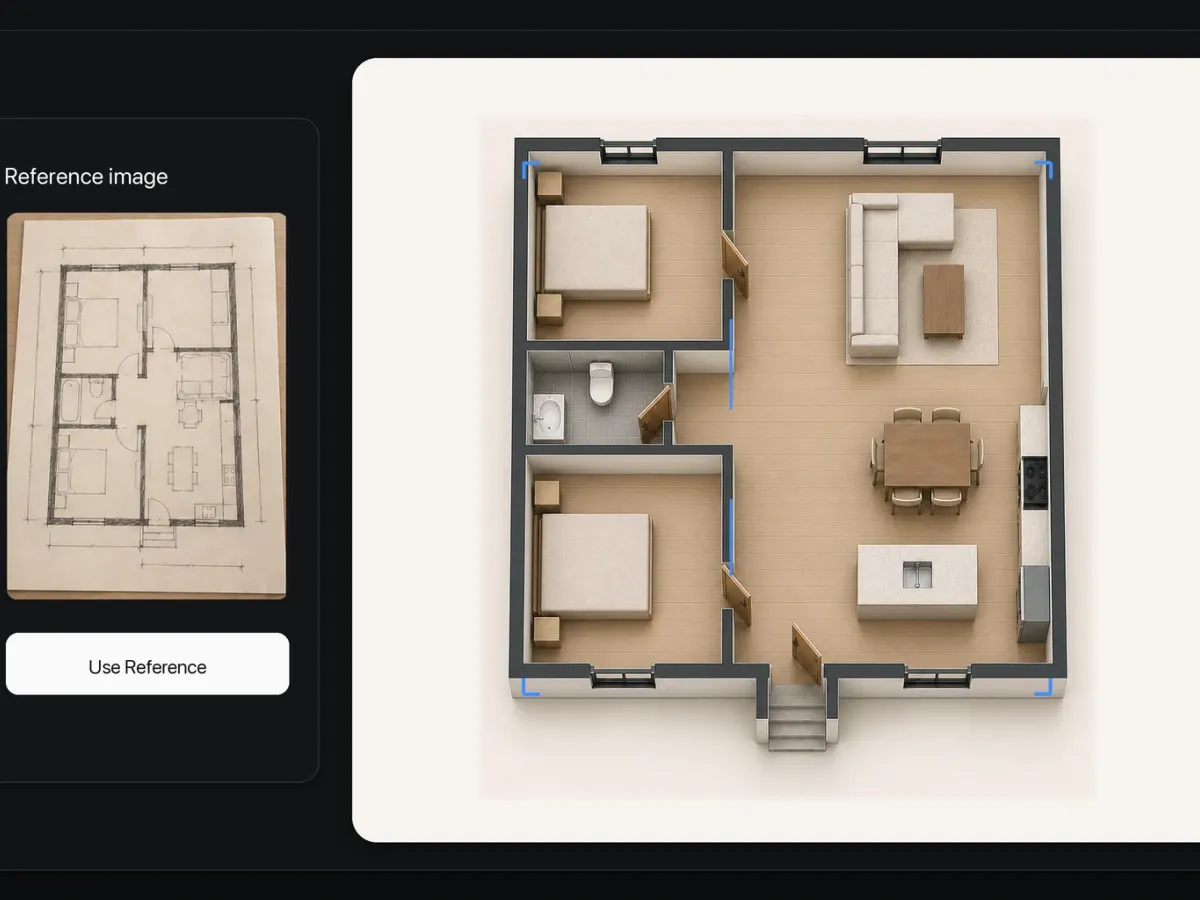
  • Start from a text description, reference image, or existing project
  • Inspect room volume, circulation, openings, and furniture relationships
  • Select and edit supported floor plan elements directly in 3D
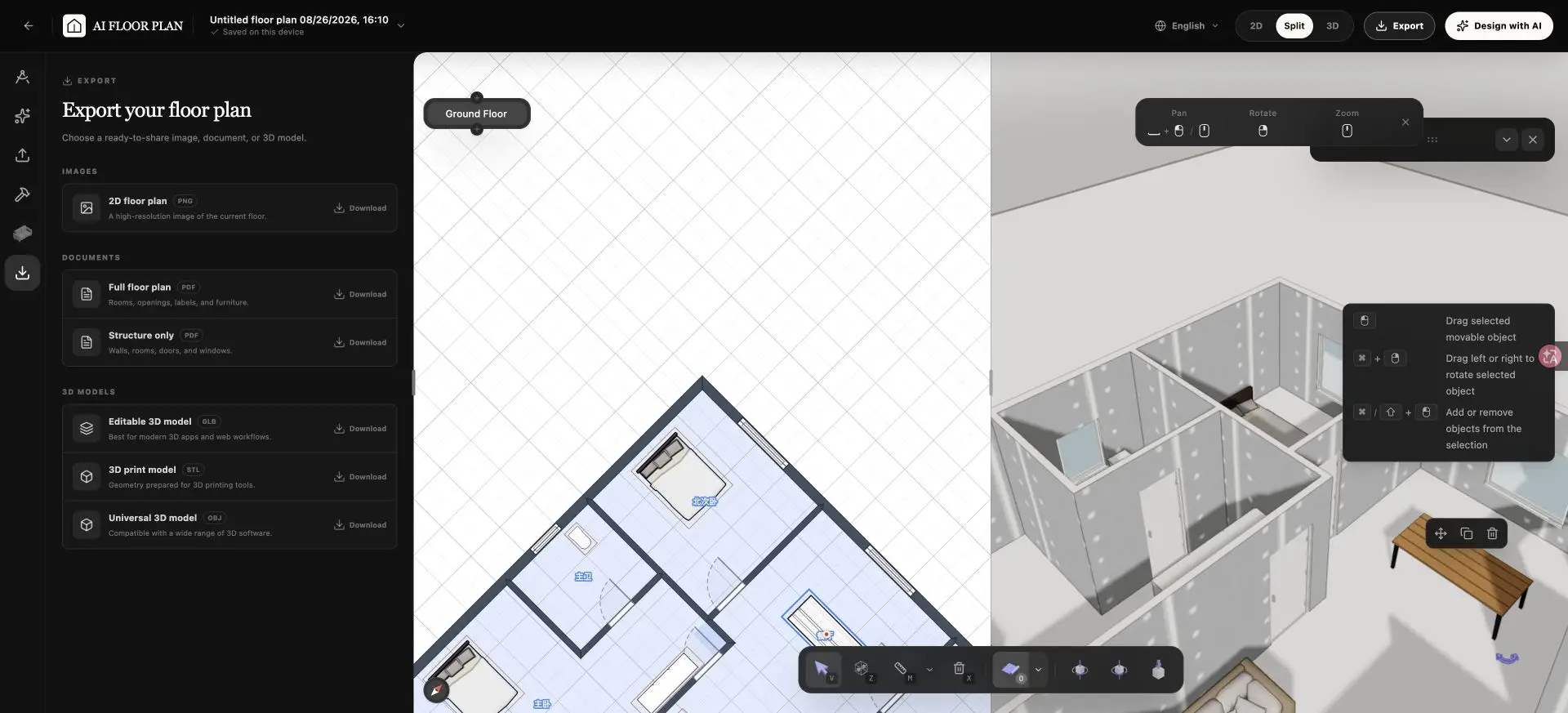
  • Download a 2D PNG, PDF document, or OBJ, STL, and GLB model file

AI-assisted floor plans should be reviewed and adjusted before use.
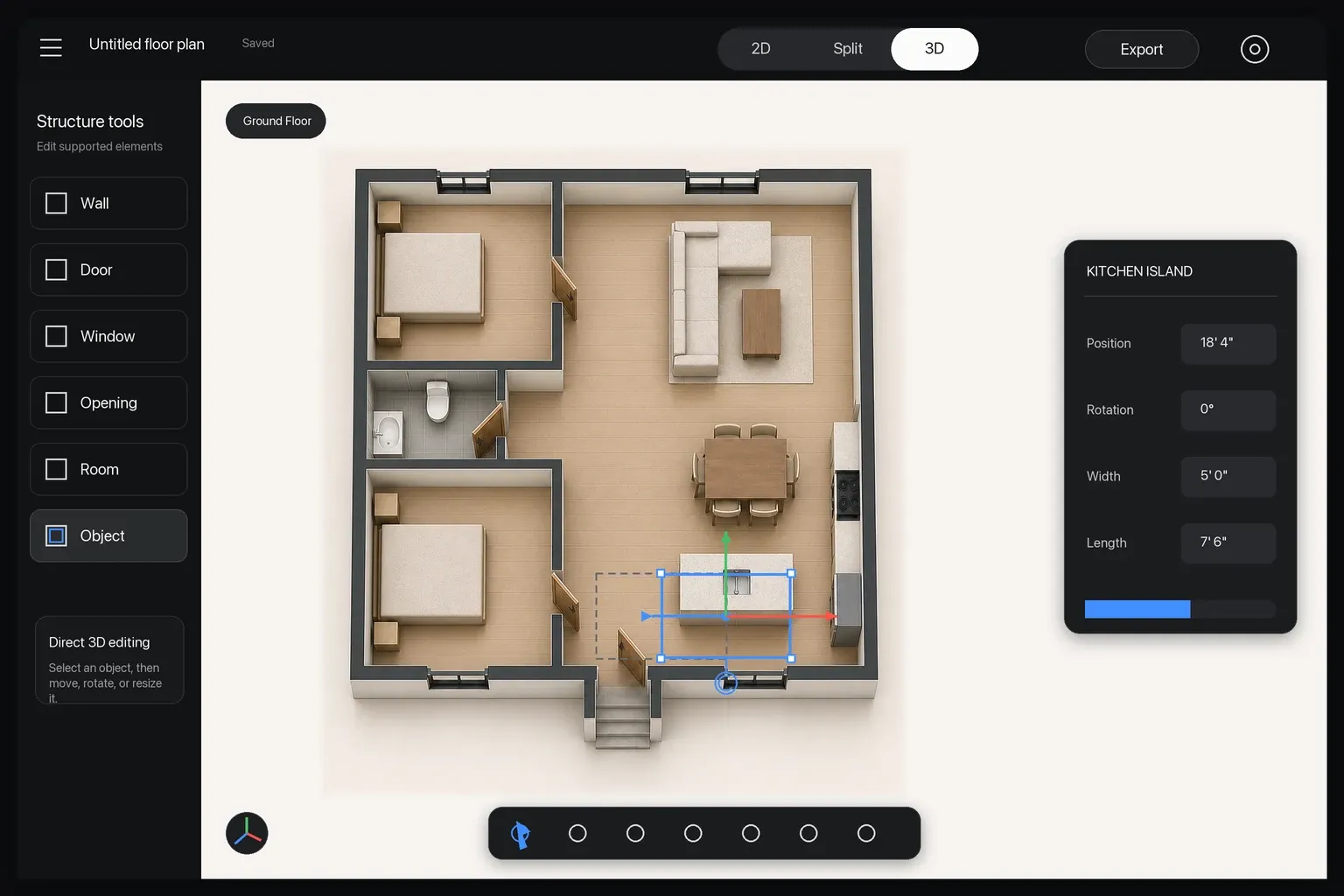
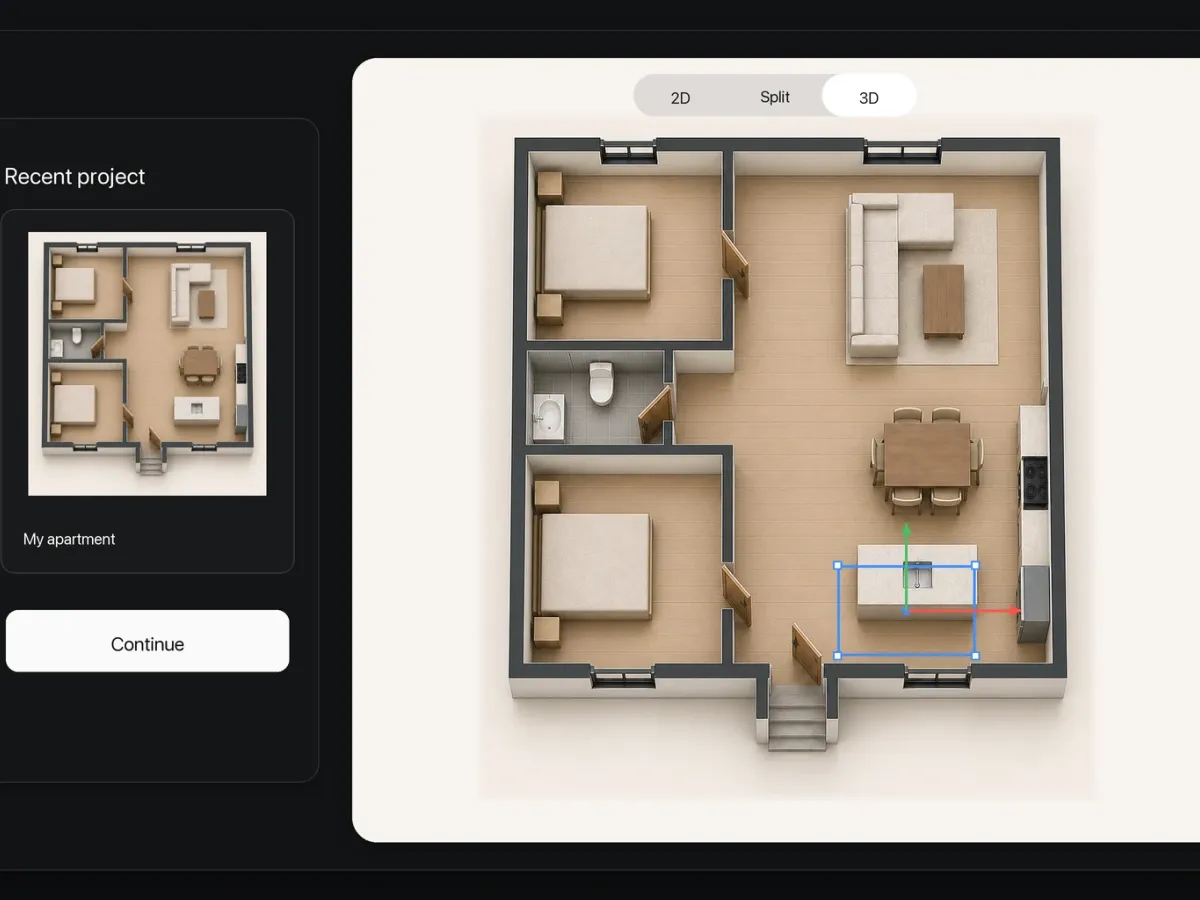
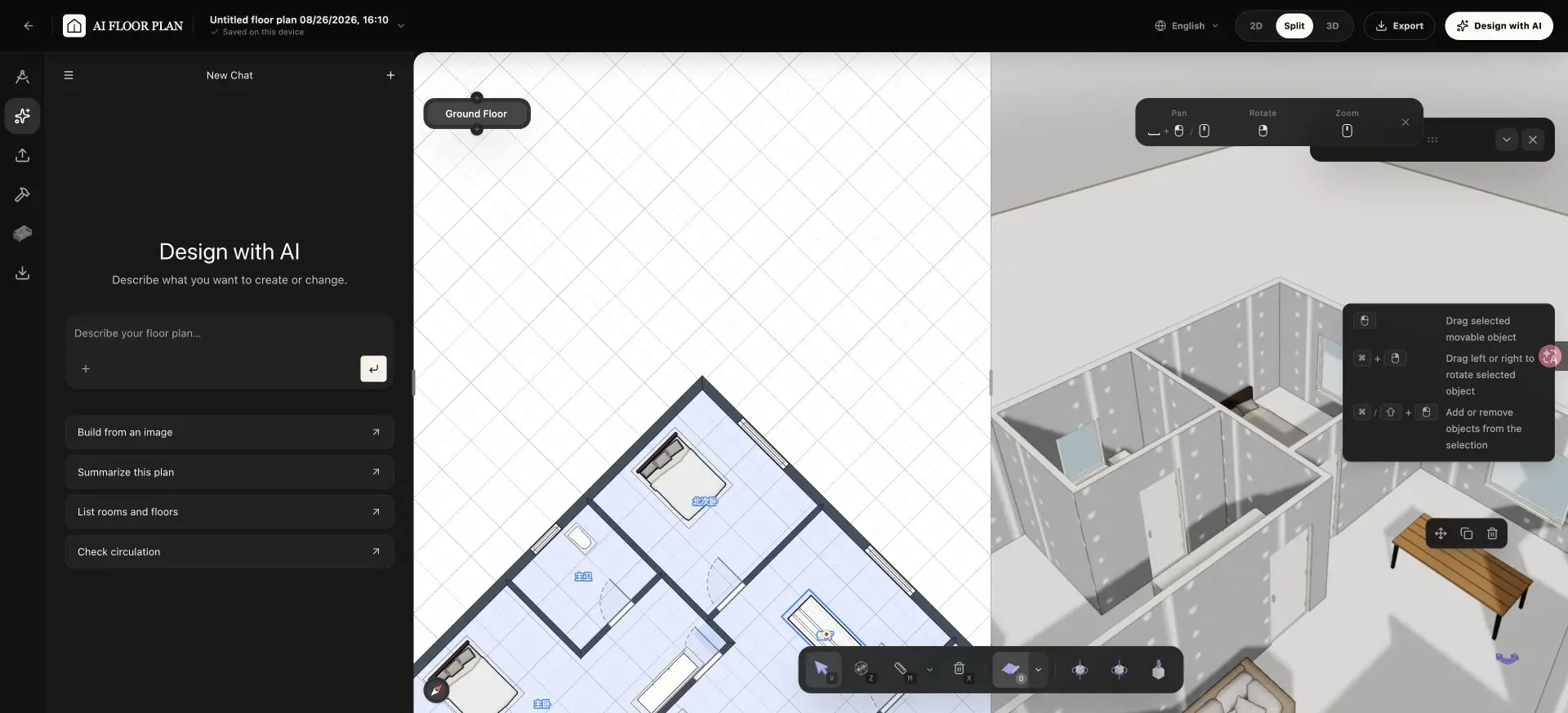
Editable 3D floor plan with a selected kitchen island and direct object controls
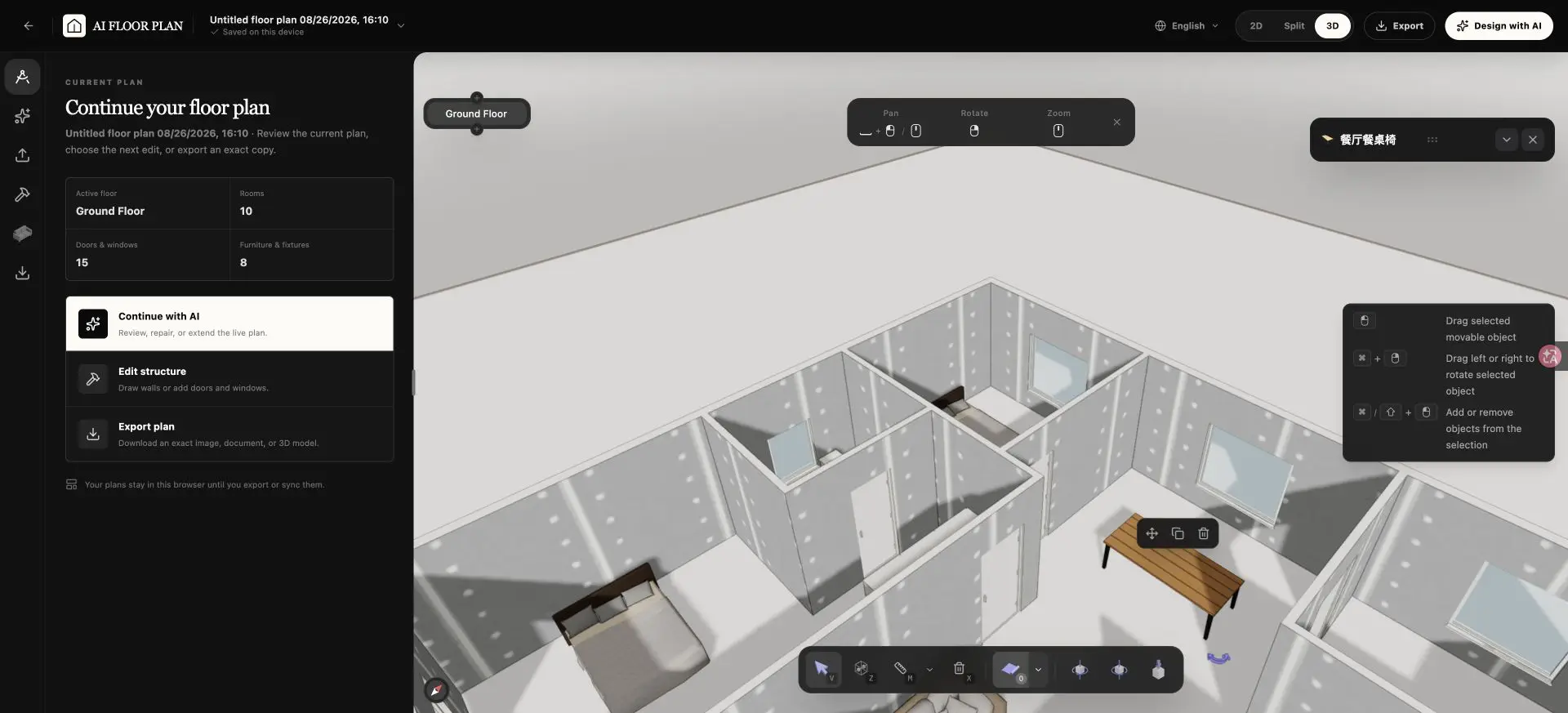
English 3D floor plan editor with a selected furniture item and direct move, duplicate, and delete controls

Edit the Floor Plan Directly in 3D

The 3D view is not a disconnected render. Select supported project elements, make a change, and review its effect on the surrounding space in the same workspace.

Room and wall relationships: Review how supported changes affect adjacency and usable space.
Doors and windows: Inspect openings against nearby rooms, furniture, and circulation.
Furniture and supported items: Select, move, rotate, duplicate, or remove supported objects.
Manual and AI-assisted changes: Keep direct controls, AI actions, and project review in one workspace.

Captured from the launched English editor using a real saved project.

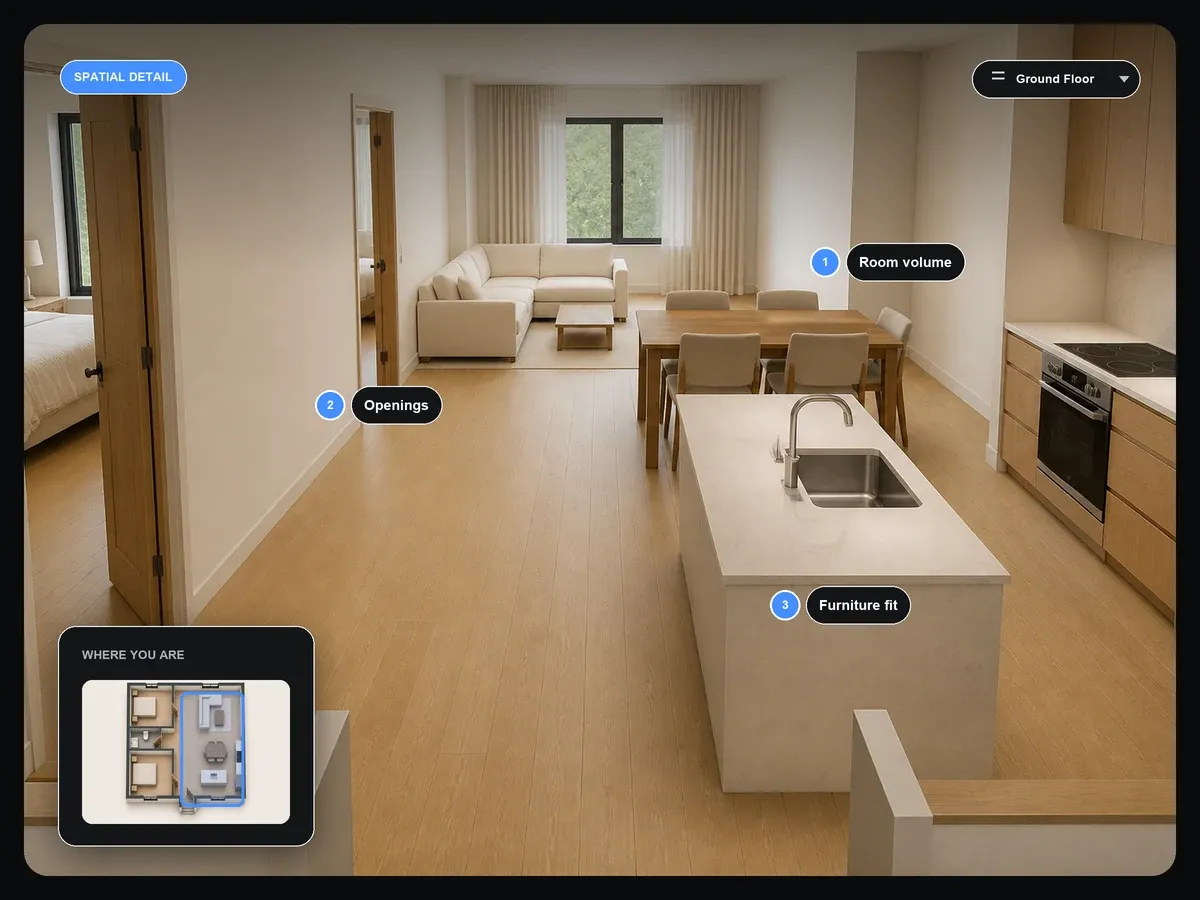
Interior spatial review highlighting room volume, openings, furniture fit, and current floor context

Inspect More Than a Top-Down Layout

3D floor plan visualization helps you understand how the layout works as a space, not only how it looks from above.

Room volume and proportion: Compare the apparent size and relationship of rooms.
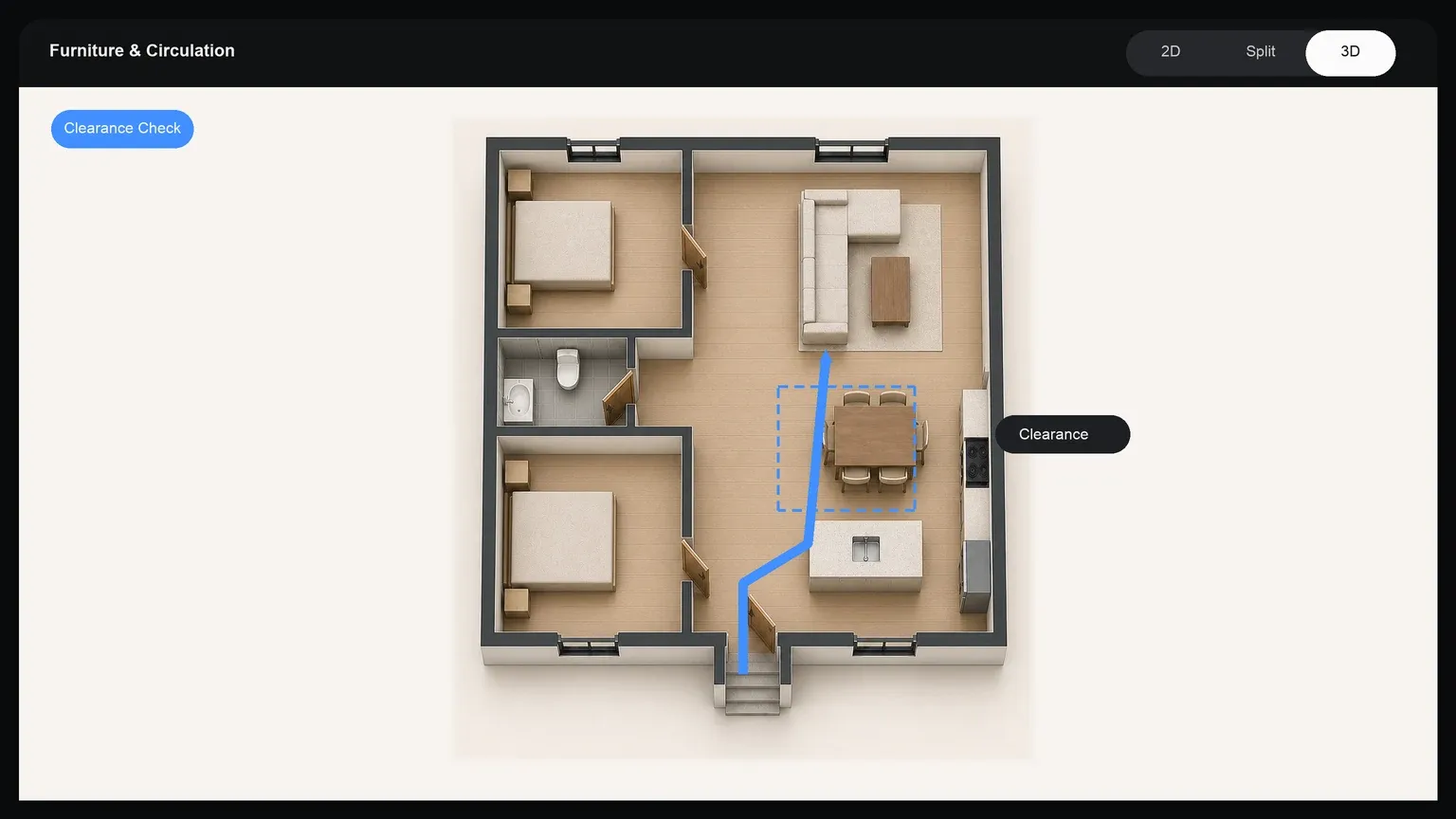
Circulation and openings: Check movement through doors, hallways, and connected areas.
Furniture fit and clearance: Review supported furniture against walls and usable space.
Multiple floors: Move between levels and inspect each floor as part of one project.

Spatial review illustration showing the questions a 3D floor plan helps you inspect.

Use 2D and 3D for Different Design Decisions

The 2D and 3D views share one project. Use the top-down plan for structural clarity, then move into 3D to inspect and refine spatial relationships.

2D for Structure and Alignment

Use the top-down workspace for room structure, alignment, labels, openings, and the overall layout.

Explore 2D Floor Plan Editing →

3D for Spatial Review

Use the interactive view for volume, circulation, openings, furniture fit, and direct editing of supported elements.

Create in 3D or Convert an Existing 2D Plan

Choose the page that matches your starting point and primary task. Each route owns a distinct workflow rather than repeating the same promise.

Create and Edit a 3D Floor Plan

Start from text, a reference image, or an existing project when broad 3D planning, inspection, and editing are your goal.

Convert a Specific 2D Plan

Use the dedicated conversion workflow when you already have a 2D plan image and turning that plan into structured 3D is the main task.

Convert an Existing 2D Plan →

Create and Edit in 2D

Use the 2D workflow when your main task is drawing and refining a clear top-down room layout.

Create a 2D Floor Plan →

Use 3D Floor Plan Design to Make Spatial Decisions

Explore homes, apartments, and workspaces when a top-down plan does not answer the whole question.

3D floor plan showing furniture clearance and a circulation path through the apartment

What the 3D Floor Plan Editor Provides

Use the connected workspace for structured 3D planning, spatial review, and supported edits. Keep photorealistic rendering and verified technical documentation in dedicated workflows.

What the 3D Floor Plan Editor Provides
IncludedNot Included
Text, reference-image, and existing-project starting pointsPermit or construction documentation
Interactive 3D inspection and direct editing of supported elementsGuaranteed photorealistic rendering
Connected 2D and 3D project viewsGuaranteed code compliance
Supported walls, openings, furniture, and multiple floorsExact dimensions from an uncalibrated reference
Manual and AI-assisted changes with Undo and RedoAutomatic verification of all geometry and dimensions
2D PNG, full or structure-only PDF, OBJ, STL, and GLB exportsArchitect-stamped drawings or SVG, DWG, DXF, IFC, FBX, and video export

For planning and visualization. Review AI-assisted results and verify important dimensions independently before use.

3D Floor Plan Creator FAQs

What the interactive 3D workspace does and where its boundaries are.

Yes. The 3D view is part of the editing workspace rather than a static preview. Select supported elements, make changes directly in 3D, or ask AI for a targeted update.

Build a 3D Floor Plan and Keep Shaping the Space

Move from an initial idea to a spatial layout you can inspect, adjust, and develop in one connected workspace.

Convert an Existing 2D Plan →

For planning and visualization. Review AI-assisted results before use; not intended as verified construction documentation.