Turn Your Floor Plan to Editable 3D Model in Seconds

Upload a clear floor plan image and turn the visible structure into a working 3D model that you can check against the source and refine in the editor.

  • Keep supported walls, rooms, openings, labels, and furniture editable
  • Review the same connected project in 2D and 3D
  • Export images or download the current 3D model
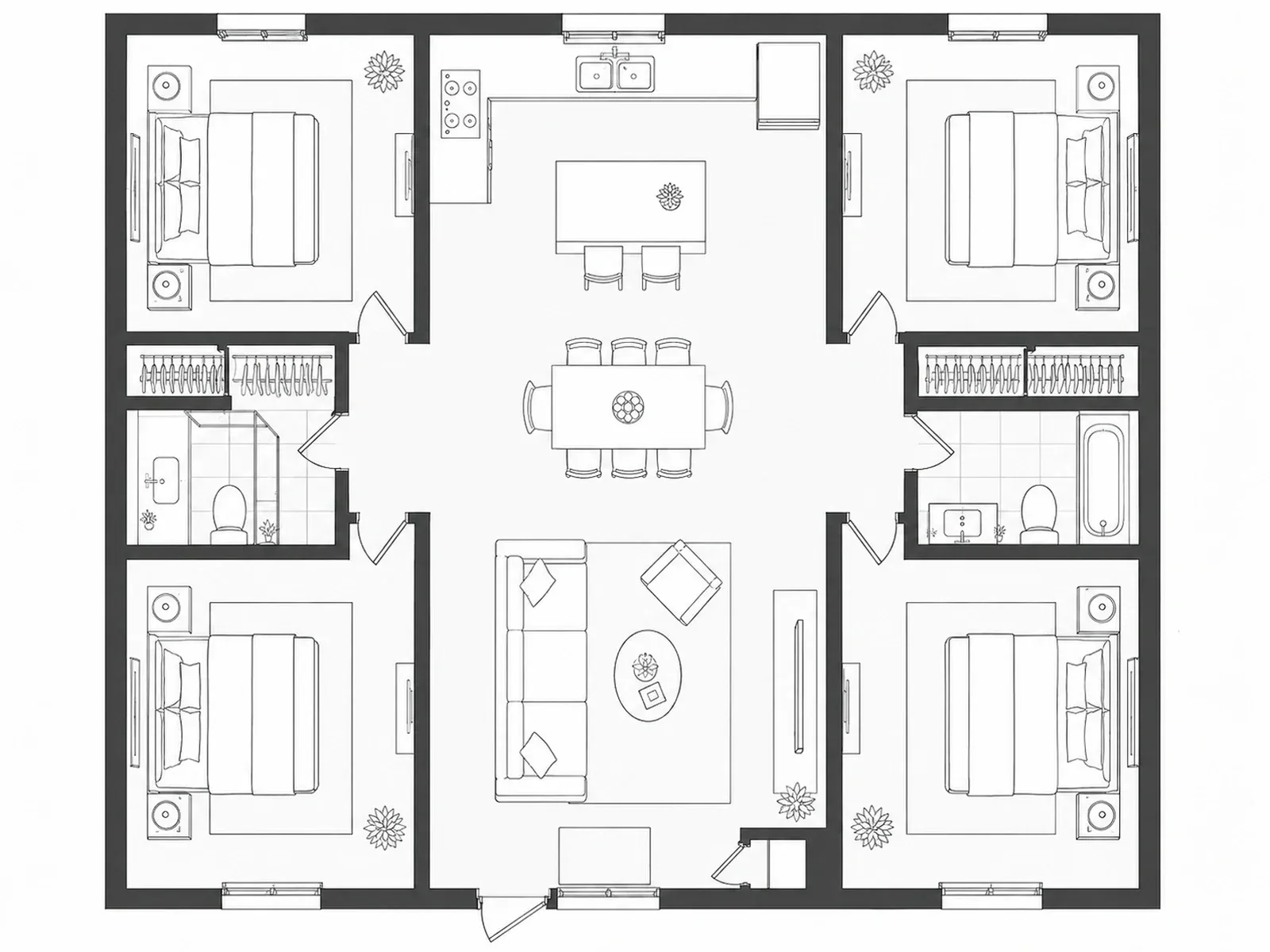
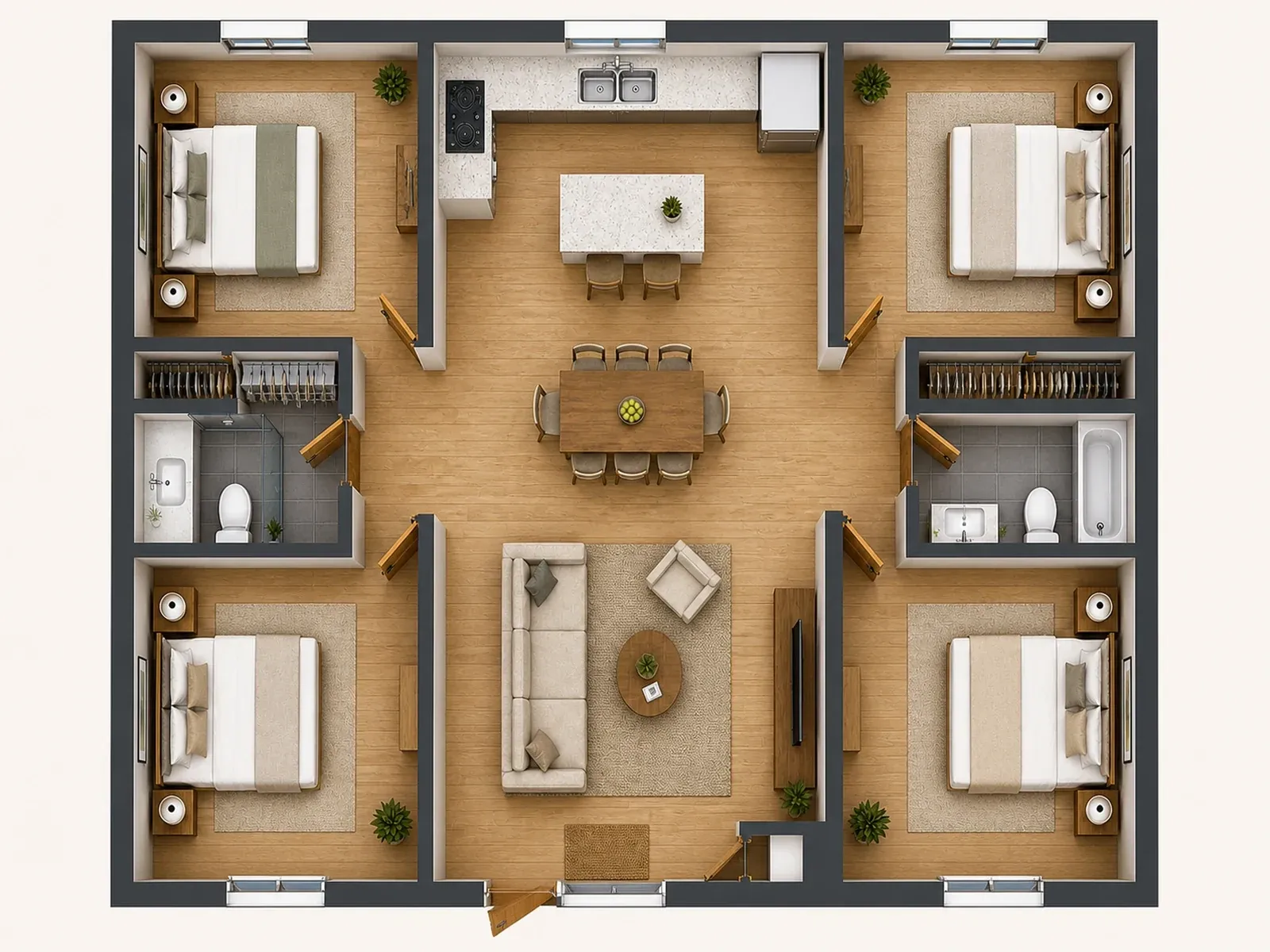
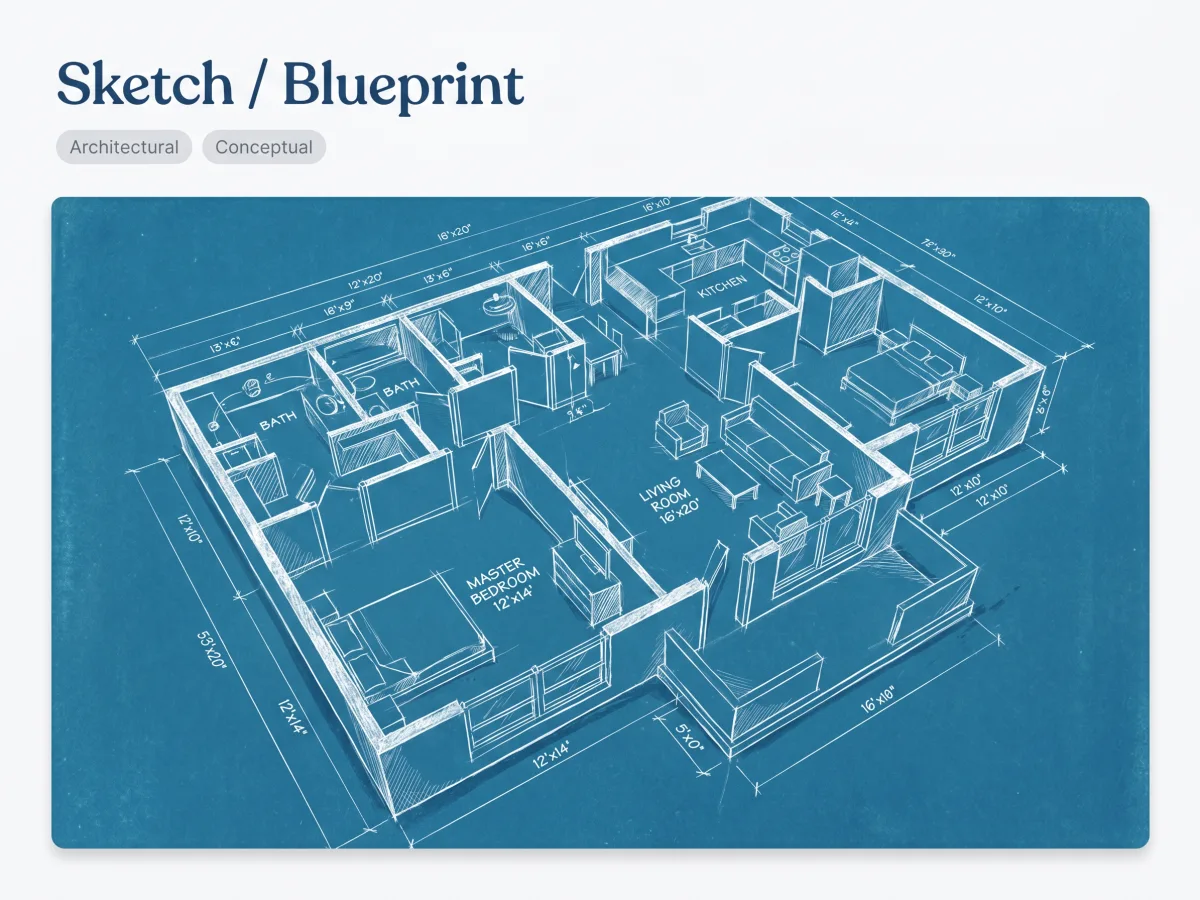
Clear top-down 2D apartment floor plan before conversion
Source plan
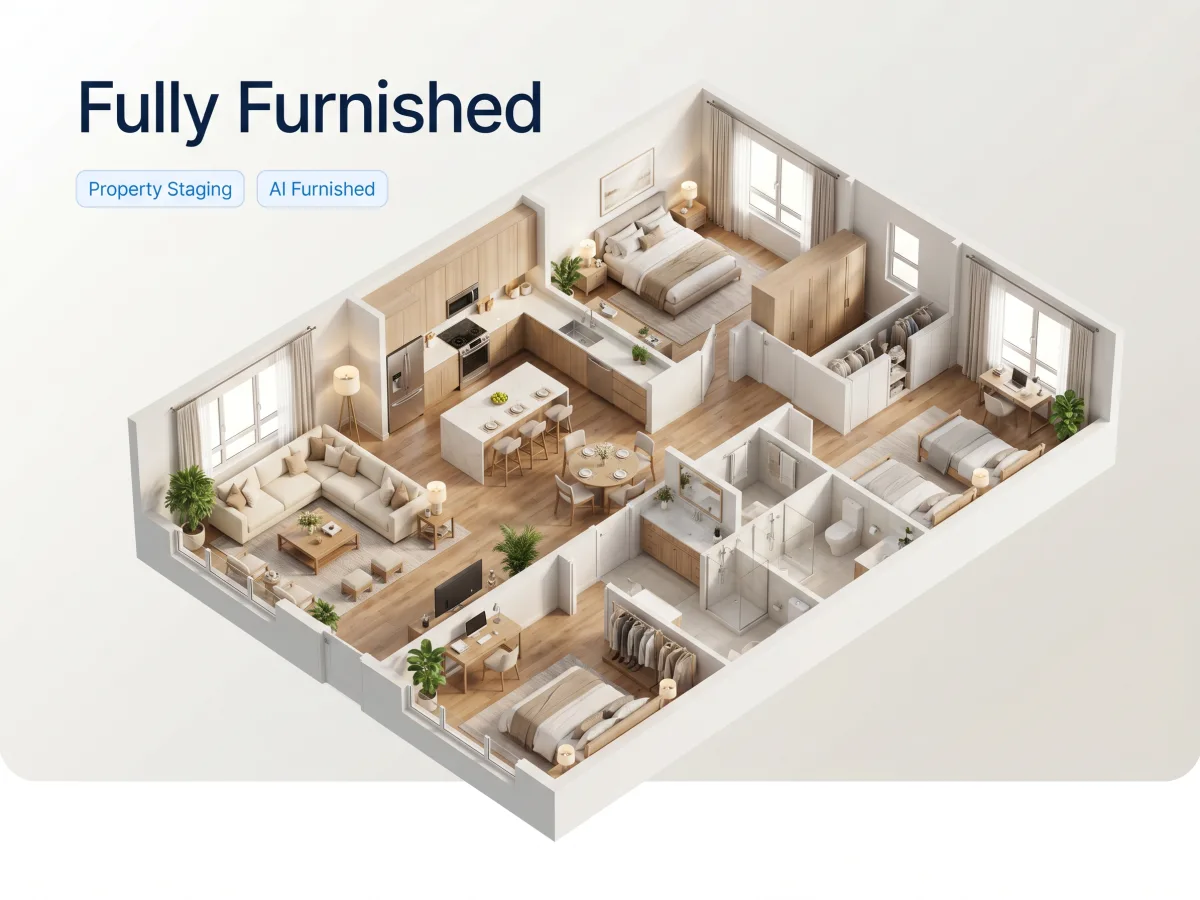
Editable furnished 3D apartment model converted from the same floor plan
Editable 3D

Convert Your 2D Floor Plan to 3D

Upload a clear top-down plan, choose a starting appearance, and add any measurements or notes that may help interpret the layout. The result opens in the editor for checking and adjustment.

Powerful Features of Our Floor Plan to 3D Model AI

Convert a visible layout into a connected project, then inspect and refine the result.

One-Click AI Conversion

Upload a clear JPG, JPEG, PNG, or WEBP floor plan image. AI interprets the visible walls, rooms, openings, labels, and supported items as a starting model.

Auto-Furnishing Technology

AI may reconstruct visible furniture or infer supported items from readable room information. Check placement and scale in the editor before relying on the result.

Easy Customization

Open the structured result in the connected 2D and 3D workspace. Select supported walls, rooms, openings, labels, furniture, and other items to inspect or adjust them.

Multi-Format Export

Export project images as PNG, JPG, or WEBP, or download the current 3D model as OBJ, STL, or GLB.

Why an Editable 3D Model Is Different from a Flat Render

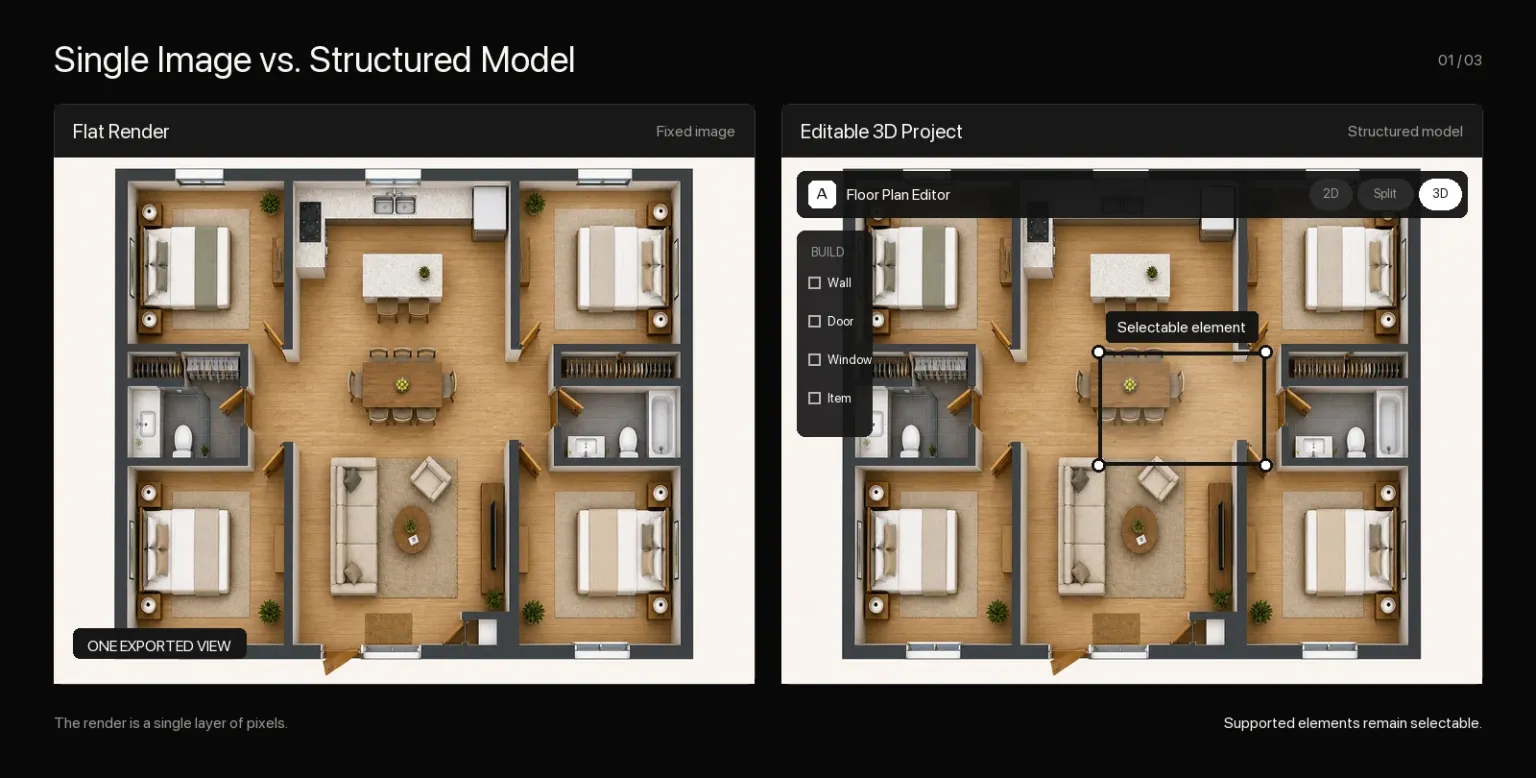
Both can help you visualize a floor plan, but they support different next steps. A render is a fixed image; an editable model preserves supported floor plan elements inside one connected project.

Flat floor plan render beside an editable project with a selected dining table

Who Needs 2D to 3D Floor Plan Conversion?

Our 2D floor plan to 3D converter is built to accelerate workflows for professionals and simplify projects for homeowners.

Real estate agent presenting 3D floor plan to potential buyers
Floor Planning

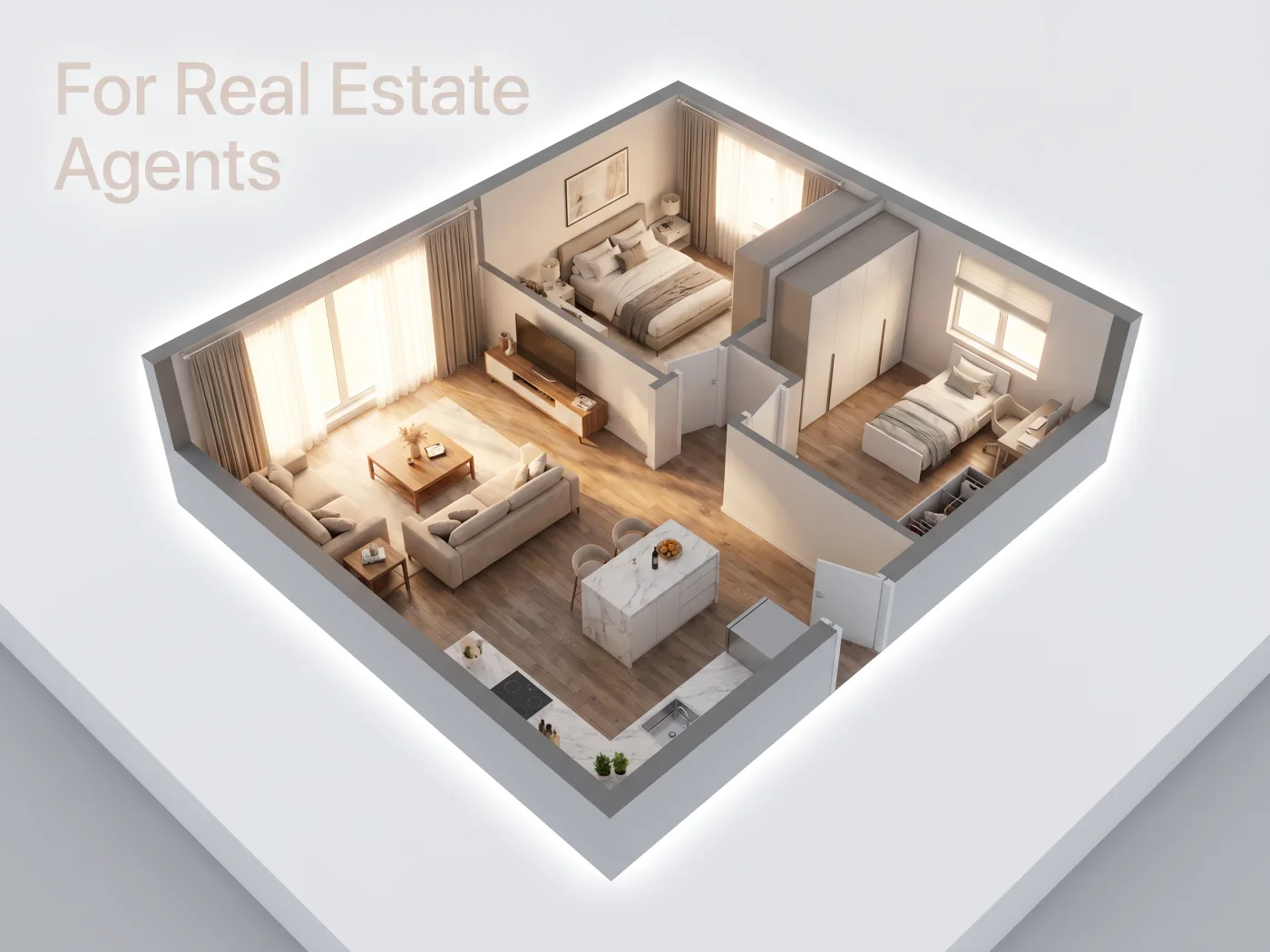
For Real Estate Agents

Boost listing engagement. Convert flat layouts into 3D models so buyers can truly understand the property's flow and potential.

Design Intelligence

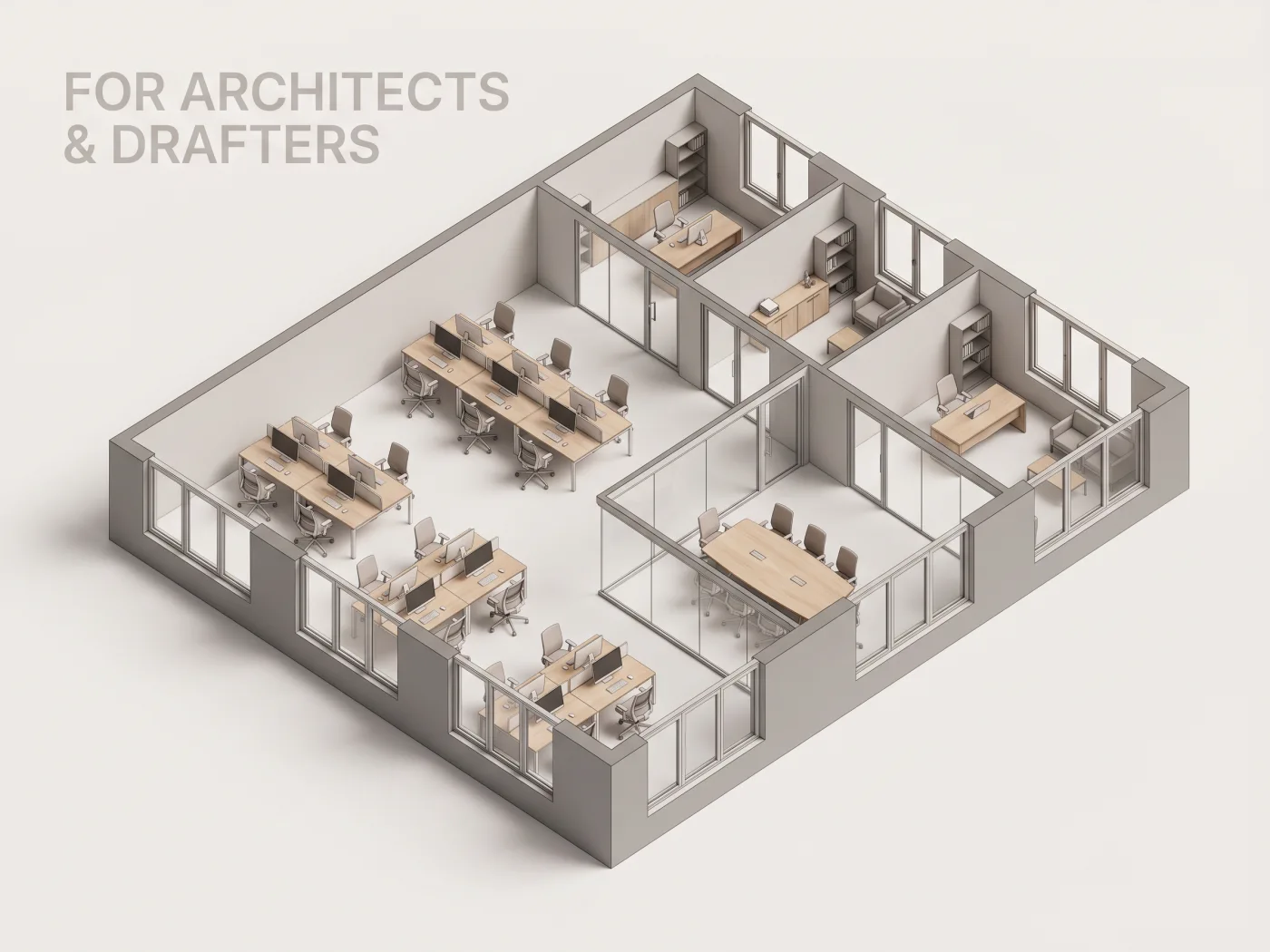
For Architects & Drafters

Save hours of manual modeling. Use our ai floor plan to 3d tool to quickly generate preliminary 3D massing models from your 2D sketches.

Architect reviewing 3D model generated from 2D floor plan
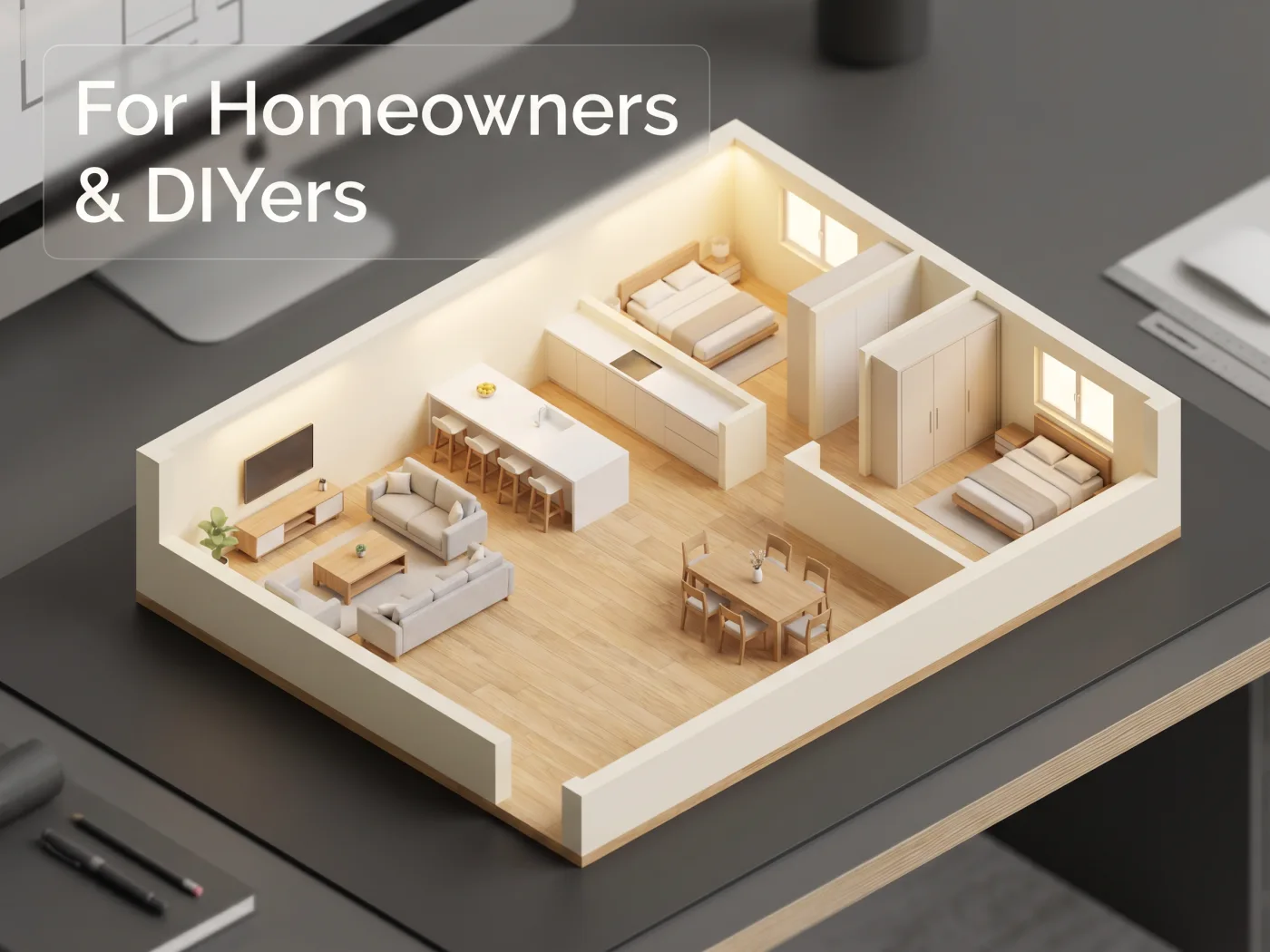
Homeowner exploring 3D floor plan on a tablet
Editing Workflow

For Homeowners & DIYers

Visualizing a renovation? You don't need to be a pro. Convert 2D floor plan to 3D online free and see your future home before construction begins.

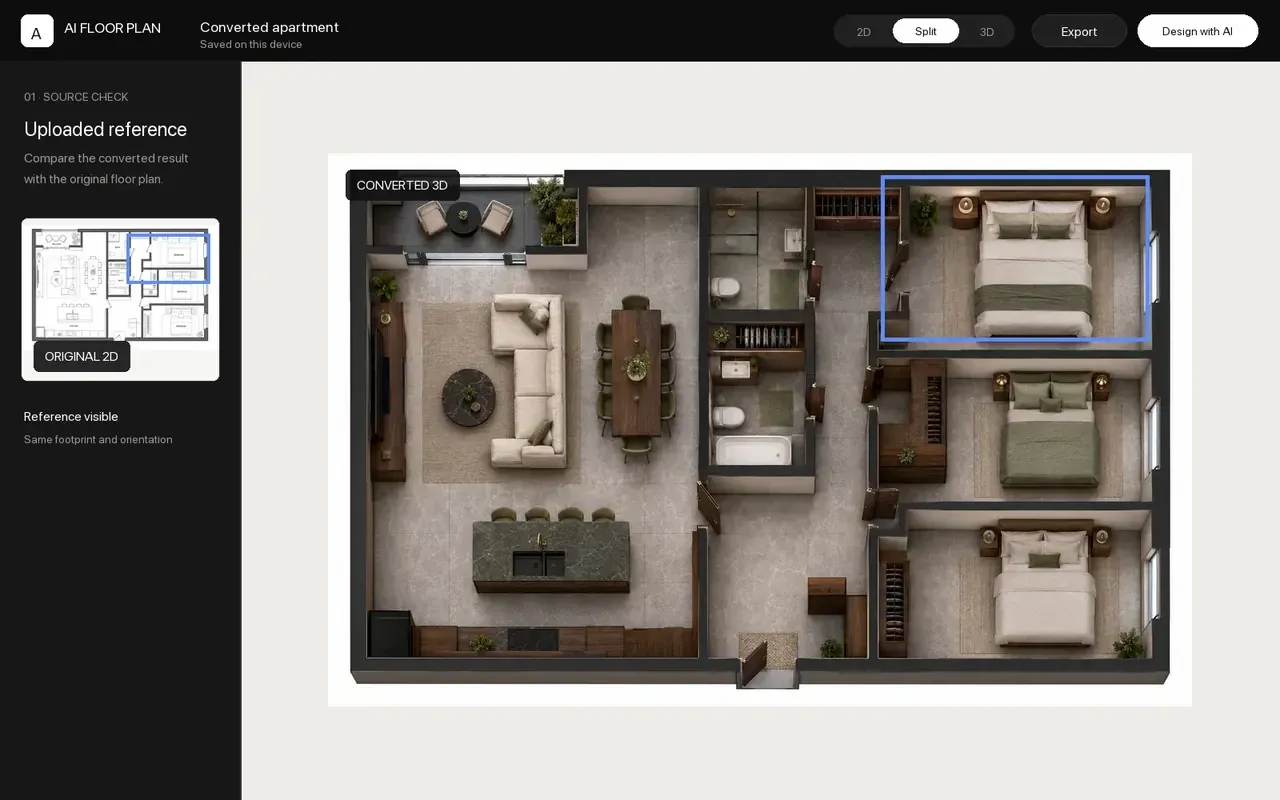
See the Converted 3D Plan in Use

These four workspace states show what happens after conversion, using the same project from source checking through export.

Converted apartment project displayed beside its uploaded 2D reference

How to Create 3D Floor Plan in 3 Steps

Upload a clear plan, review the conversion, and continue with the same project in the editor.

01

Upload Your Floor Plan Image

Upload a clear JPG, JPEG, PNG, or WEBP image of the 2D layout. Keep walls and openings visible, and include a trustworthy known measurement when scale matters.

02

Add Context and Convert

Choose a starting appearance and add measurements or notes that may help interpret the plan, then begin the conversion.

03

Check, Edit, and Export

Compare the project with the source, refine supported elements, then export PNG, JPG, or WEBP images or an OBJ, STL, or GLB model.

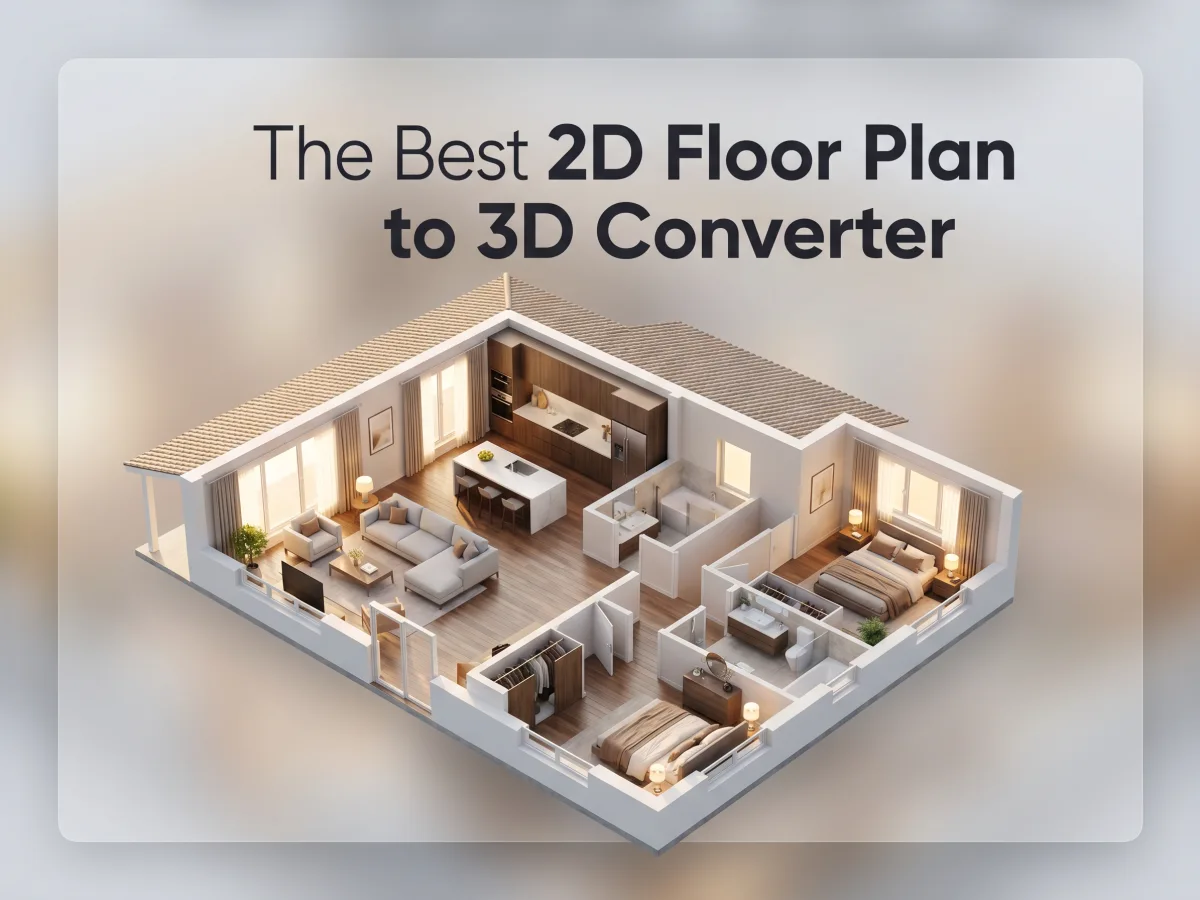
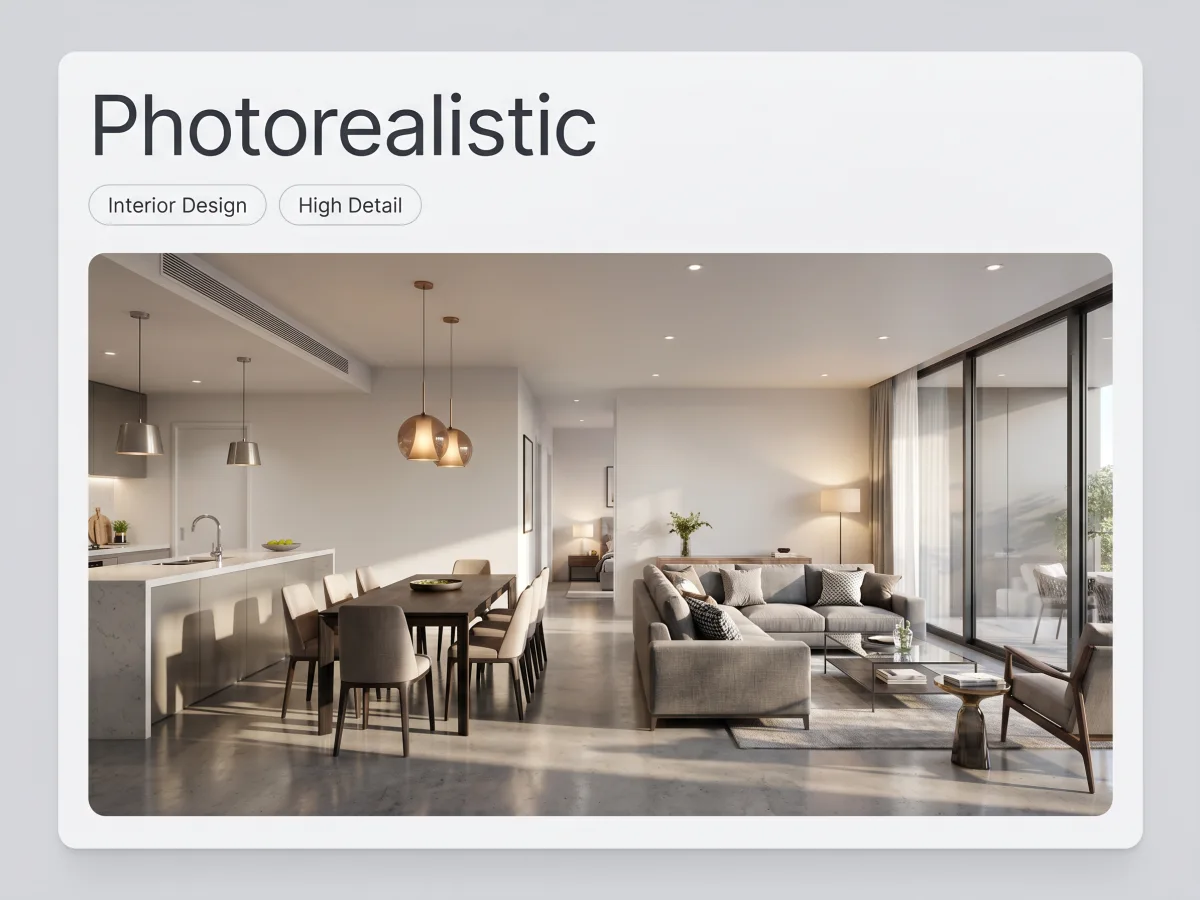
3D floor plan visualization showing realistic furniture and lighting

The Best 2D Floor Plan to 3D Converter

Why thousands of professionals and homeowners choose our platform for floor plan to 3D conversion.

Source Checking: Keep the uploaded reference available while you inspect the converted result.
Connected Views: Move between 2D and 3D without creating a disconnected version of the project.
Supported Element Editing: Select and adjust supported walls, rooms, openings, labels, furniture, and other items.
Practical Export: Save PNG, JPG, or WEBP images, or download an OBJ, STL, or GLB model.
Planning Boundary: Treat the result as a planning and visualization aid, not verified construction or permit documentation.
Convert Your Floor Plan Now →

What Users Say About Our Floor Plan to 3D Tool

"I used to spend half my day extruding walls in SketchUp. Now, I just run my blueprints through this 2d floor plan to 3d converter, and I have my base model in 30 seconds. A massive time-saver."

DL
David L.
Architect

"As a real estate agent, showing clients a flat blueprint is tough. Being able to convert 2d floor plan to 3d online free has completely changed how I market upcoming developments. The furnished 3D models look incredible."

SM
Sarah M.
Realtor

"I was planning an extension for my house and wanted to see how it would look. I found this ai floor plan to 3d tool, uploaded a sketch I made, and instantly got a 3D model. It's remarkably accurate and so fun to use."

MT
Mark T.
Homeowner

Floor Plan to 3D Converter FAQs

What to expect before, during, and after converting a floor plan.

Yes. Upload a clear image, scan, or screenshot of the plan. AI turns the visible structure into a working 3D model that you can check against the source and refine in the editor.

Ready to Bring Your Blueprints to Life?

Upload a clear plan, convert it into a connected 3D project, and continue checking or refining the result in the editor.

The current credit cost and account requirements are shown in the conversion tool before you begin.