Generate an Office Layout from Your Requirements
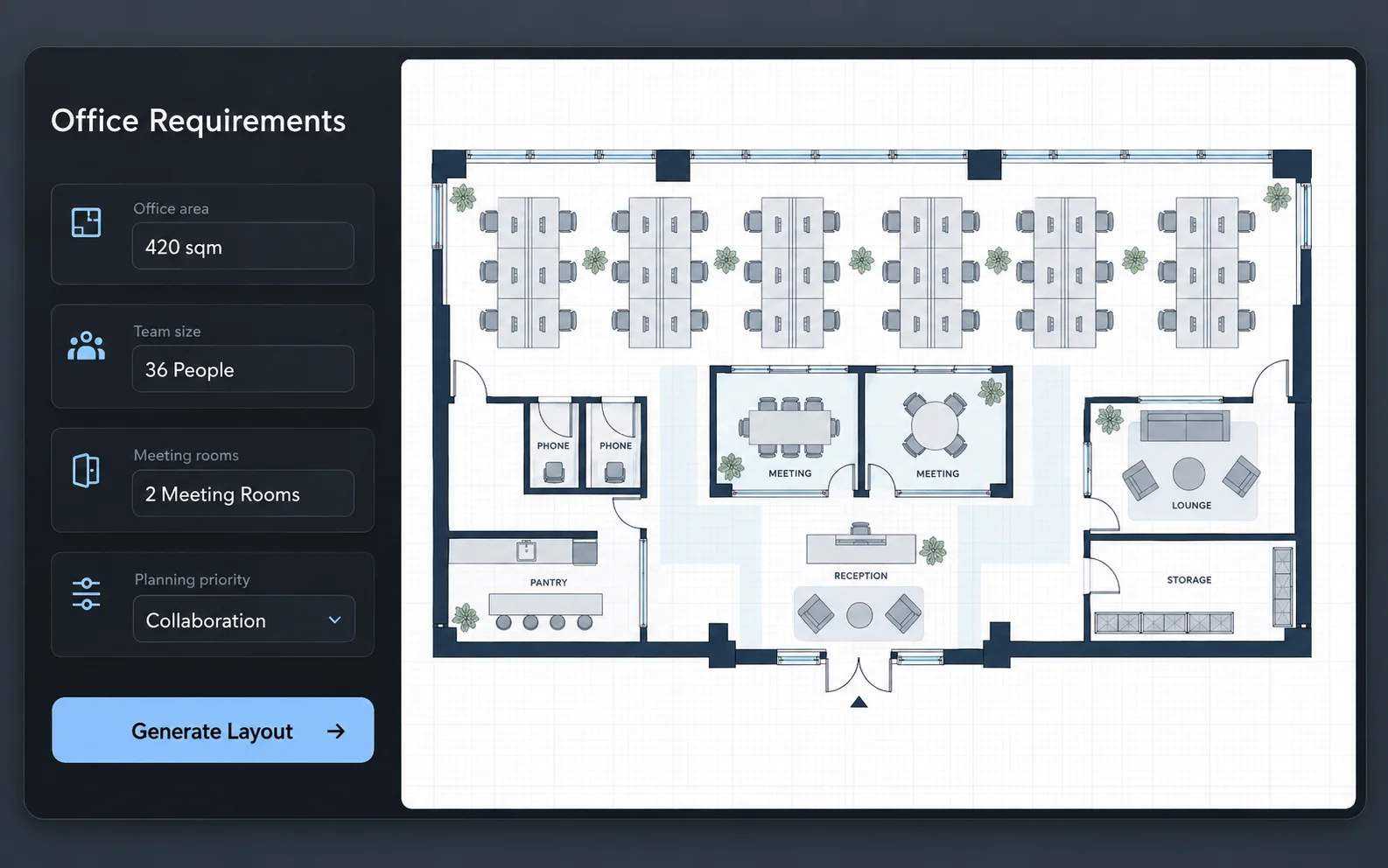
Enter your office area, team size, room requirements, and planning priorities to generate an initial office floor plan.
Describe your office area, team size, workstations, meeting rooms, and layout priorities. Generate an initial office floor plan, refine it in the editor, and export the result in supported 2D or 3D formats.
Prompt
Modern office layout for 24 people with reception, meeting rooms, pantry, and focus zones
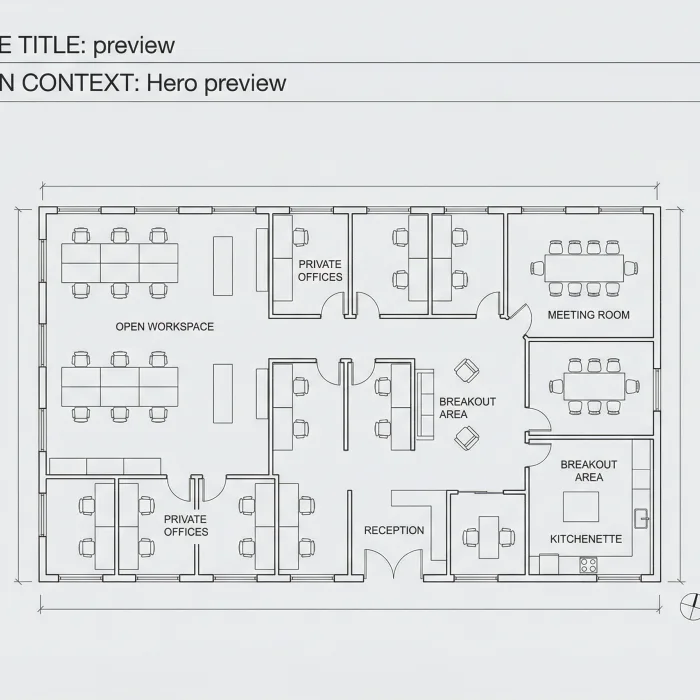
Move from workspace requirements to an editable office plan, compare it in 2D and 3D, and export formats that support review and continued work.
Enter your office area, team size, room requirements, and planning priorities to generate an initial office floor plan.
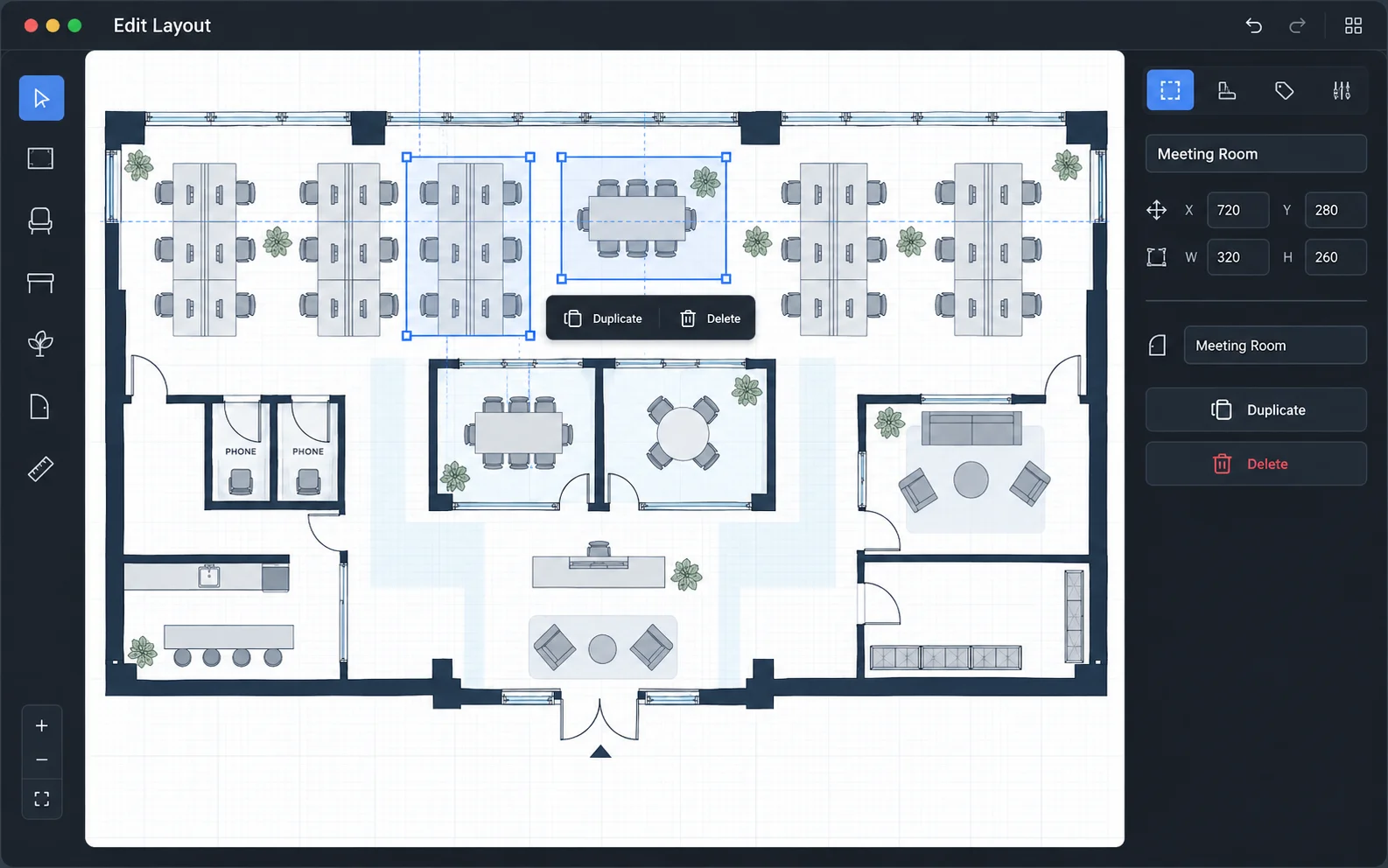
Adjust the generated plan using the available editing tools to better match your workspace needs.
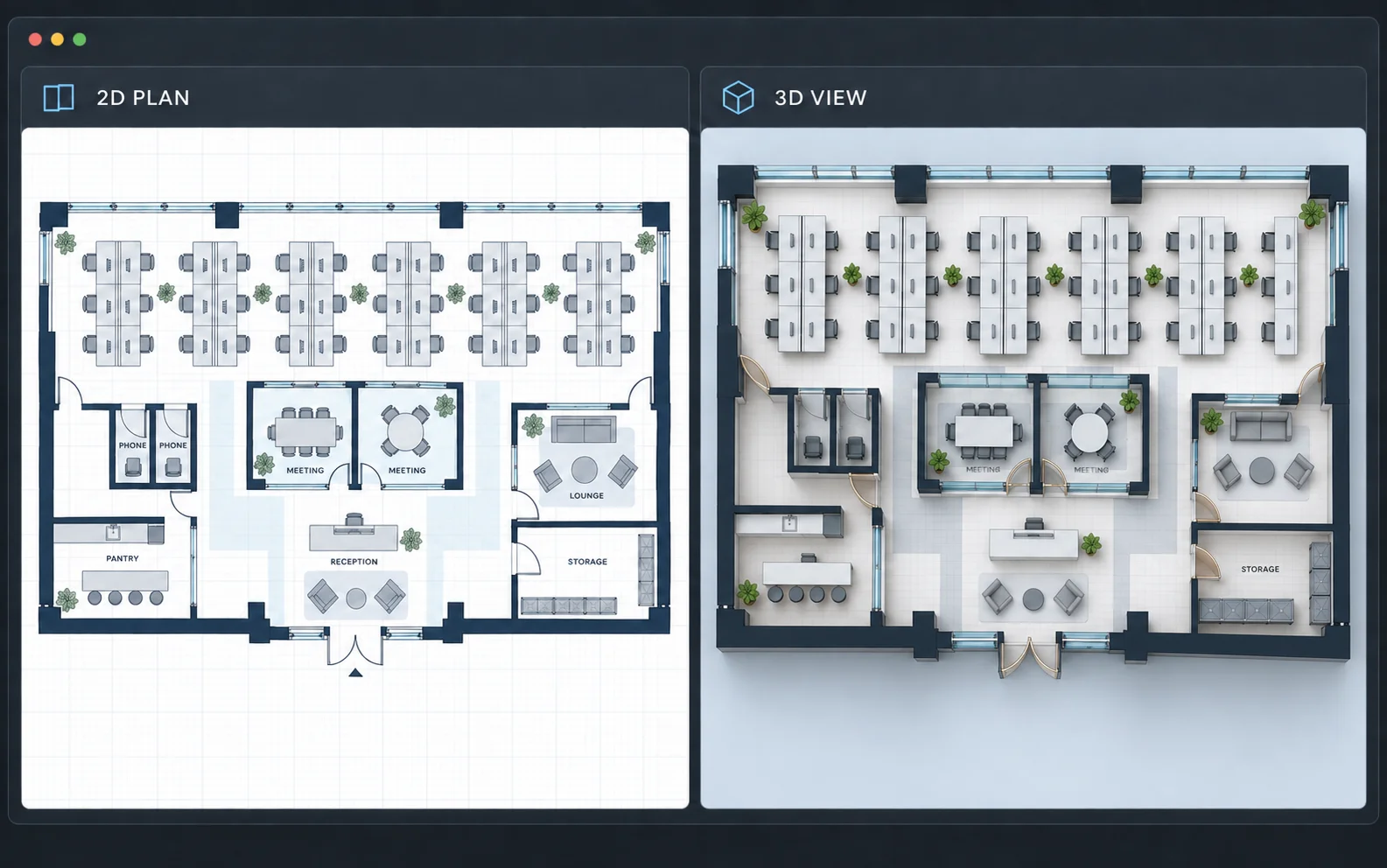
Explore the office layout from different views before choosing a final direction.
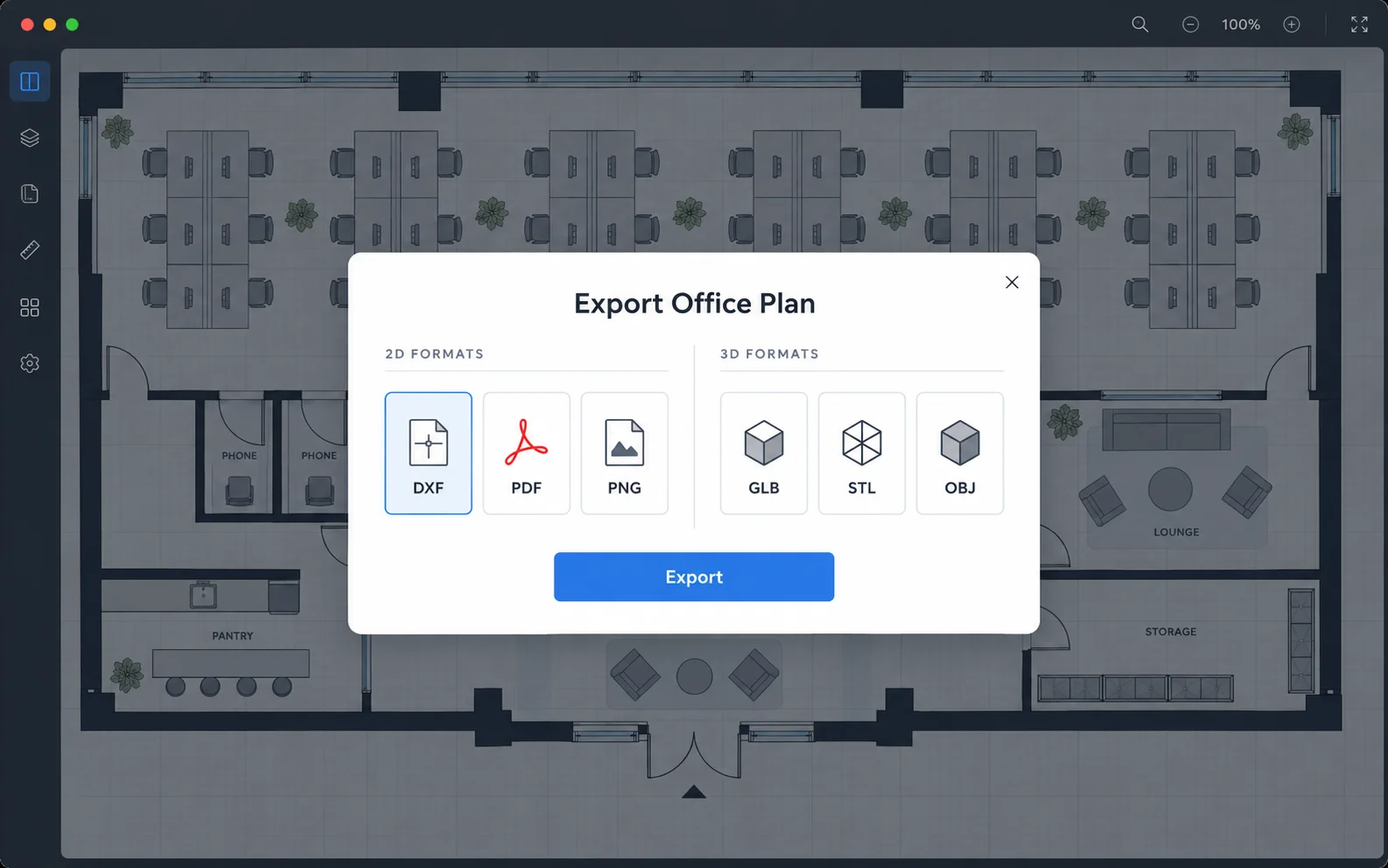
Export your plan as DXF, PDF, PNG, GLB, STL, or OBJ for compatible review, editing, and visualization workflows.
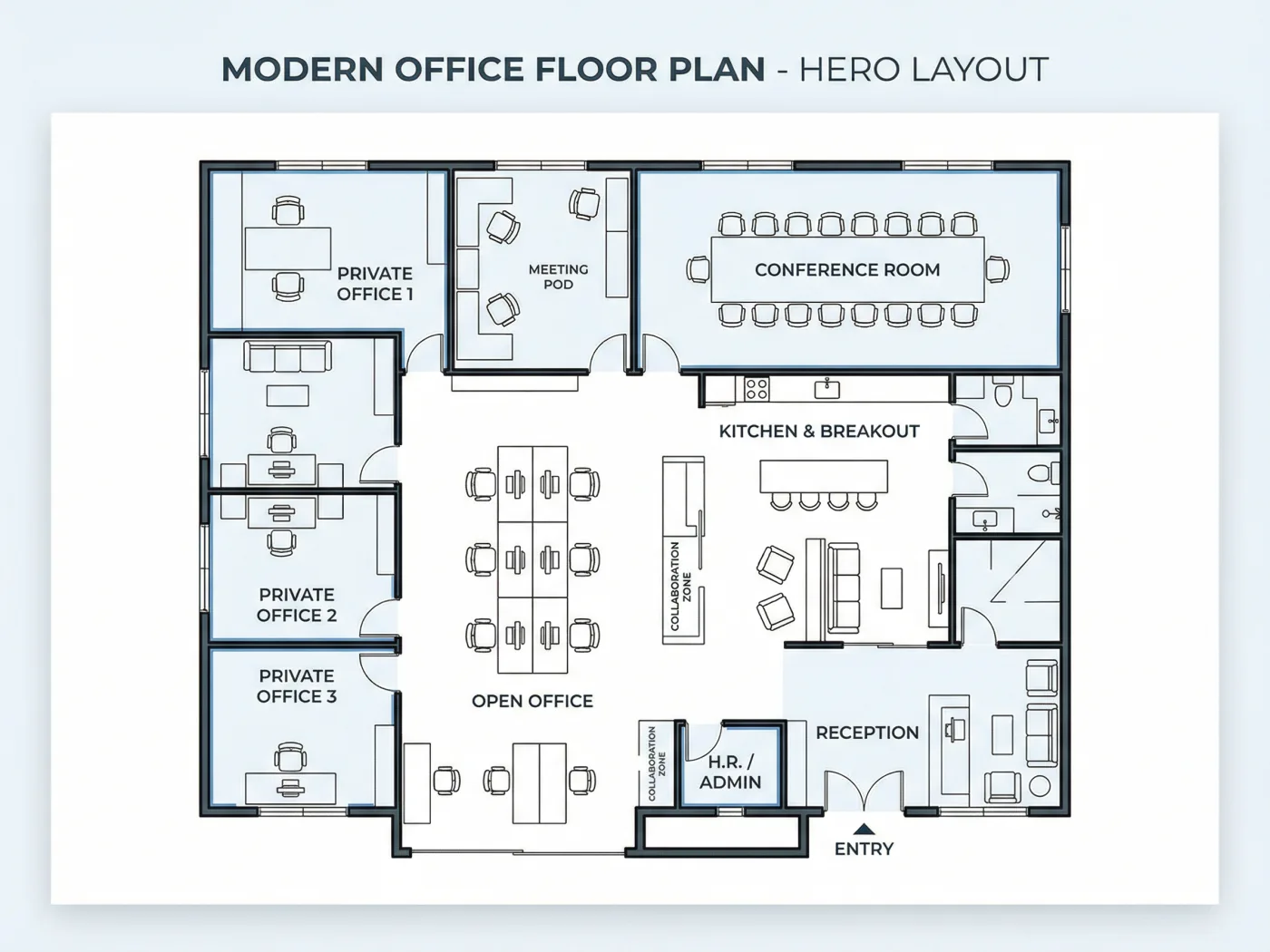
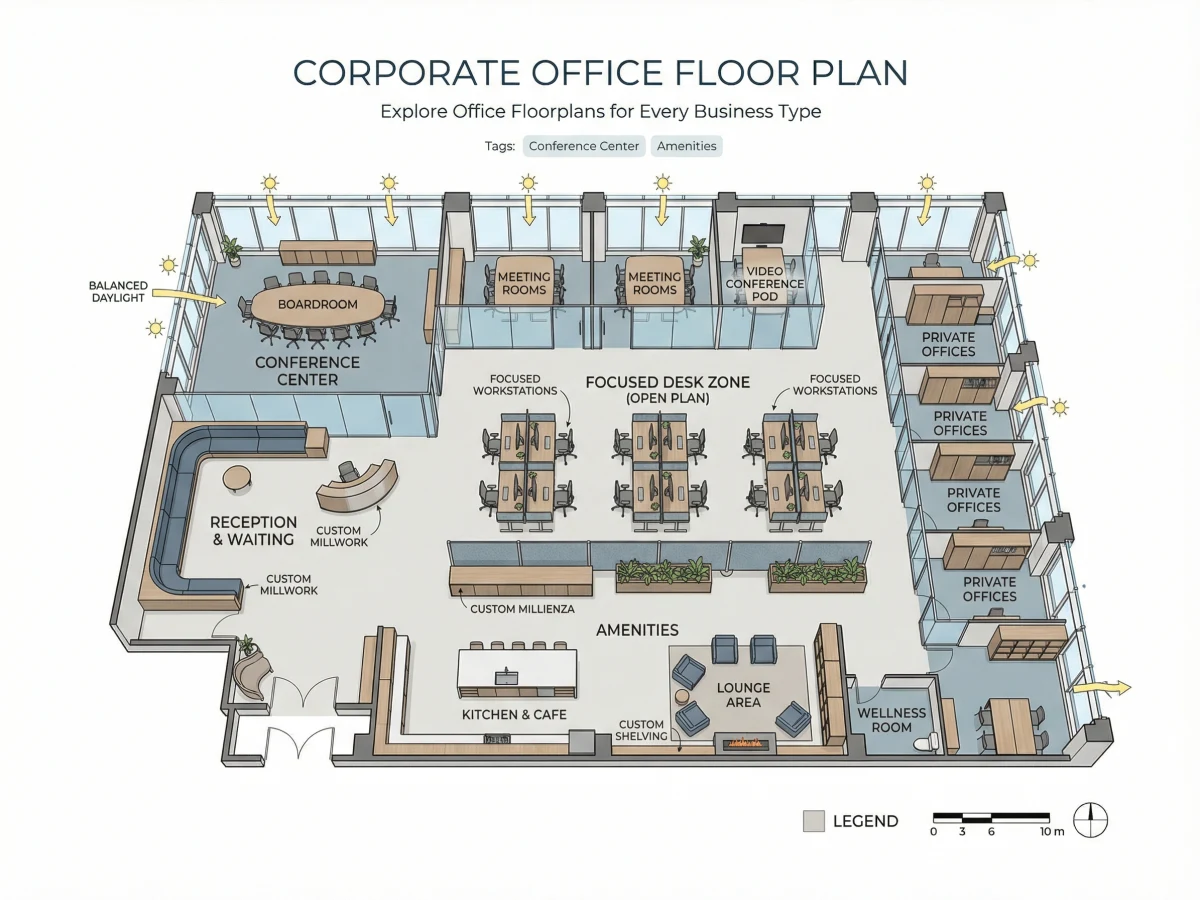
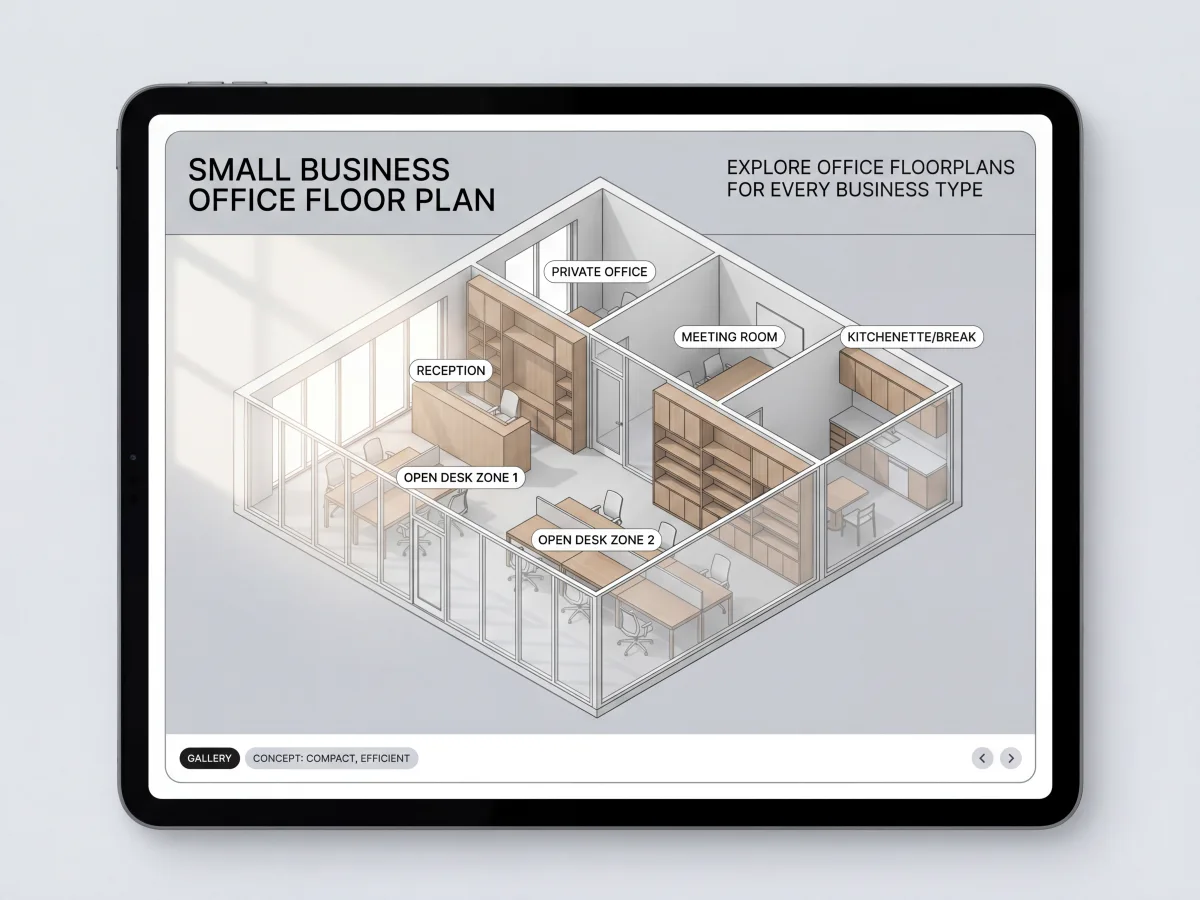
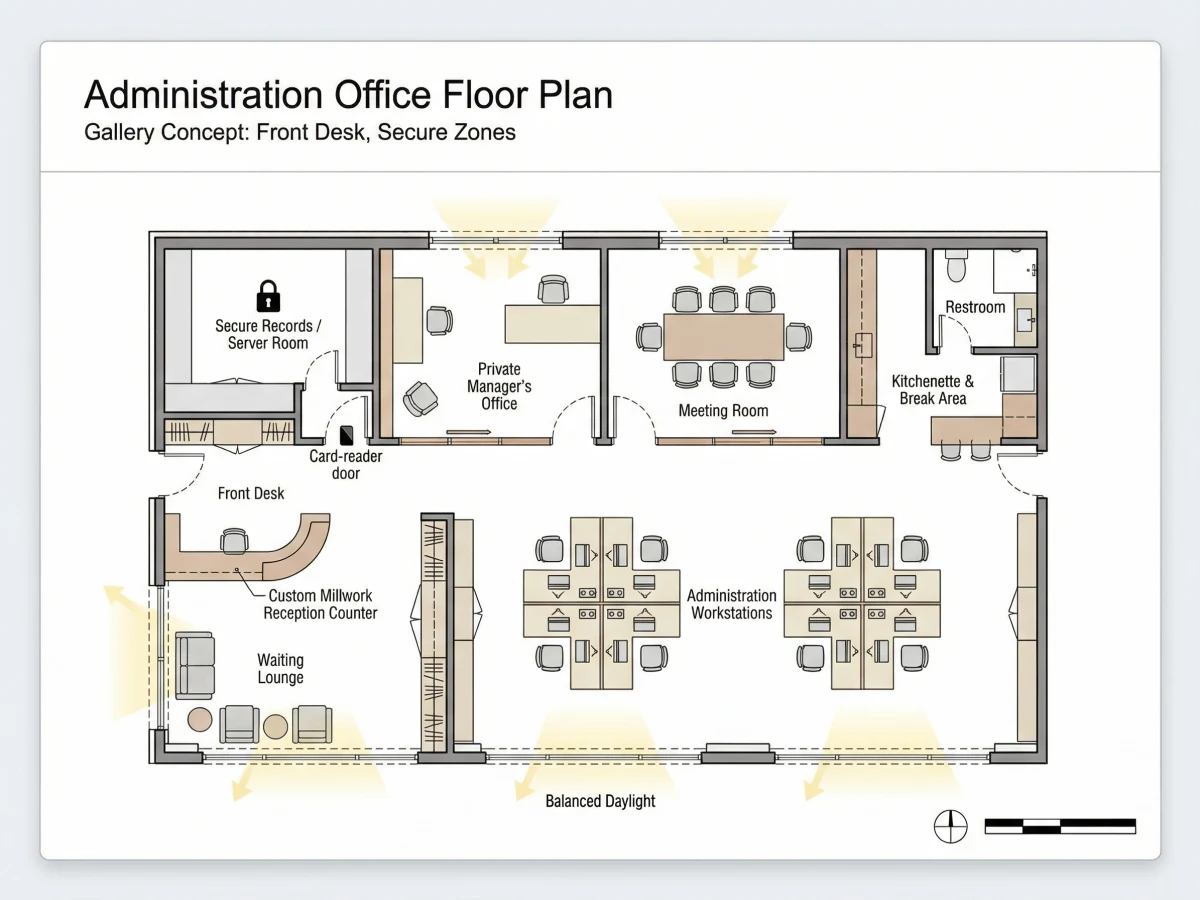
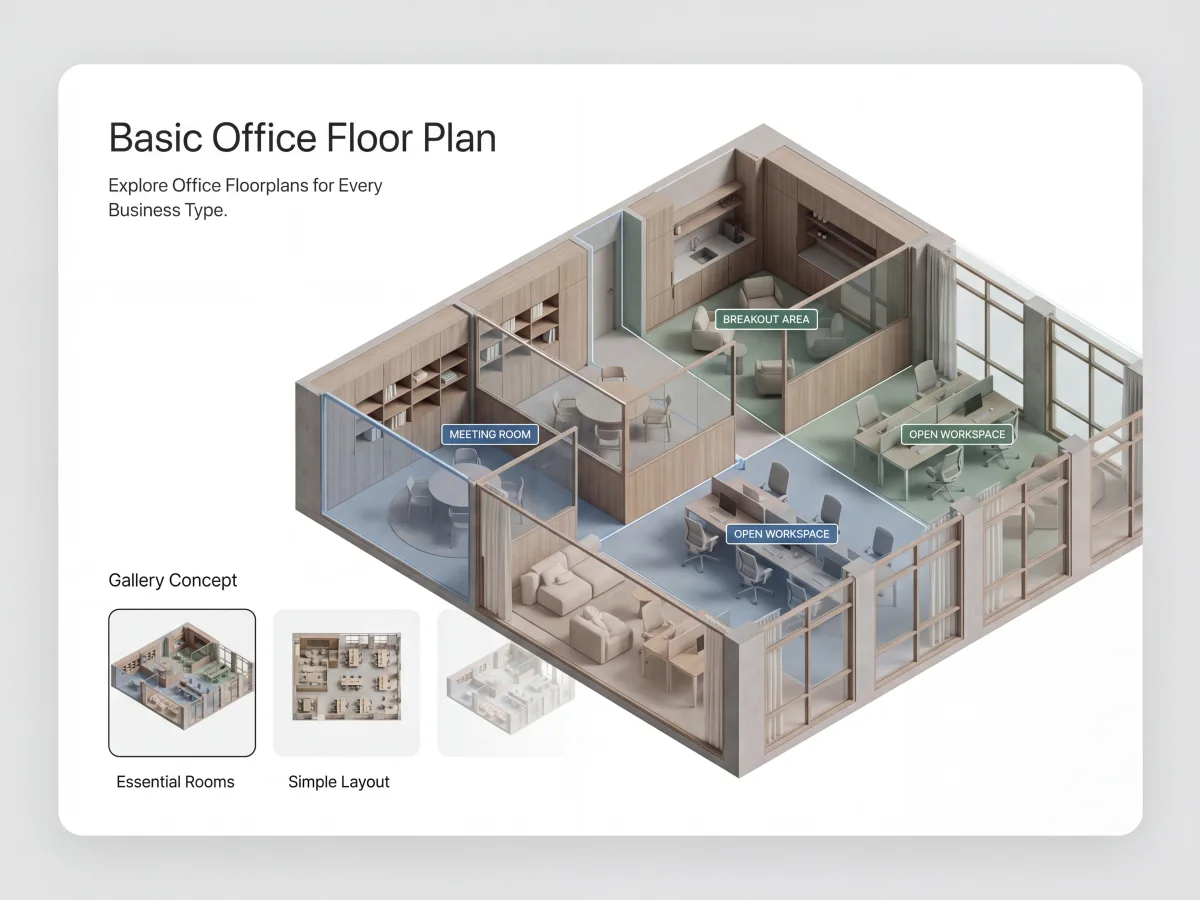
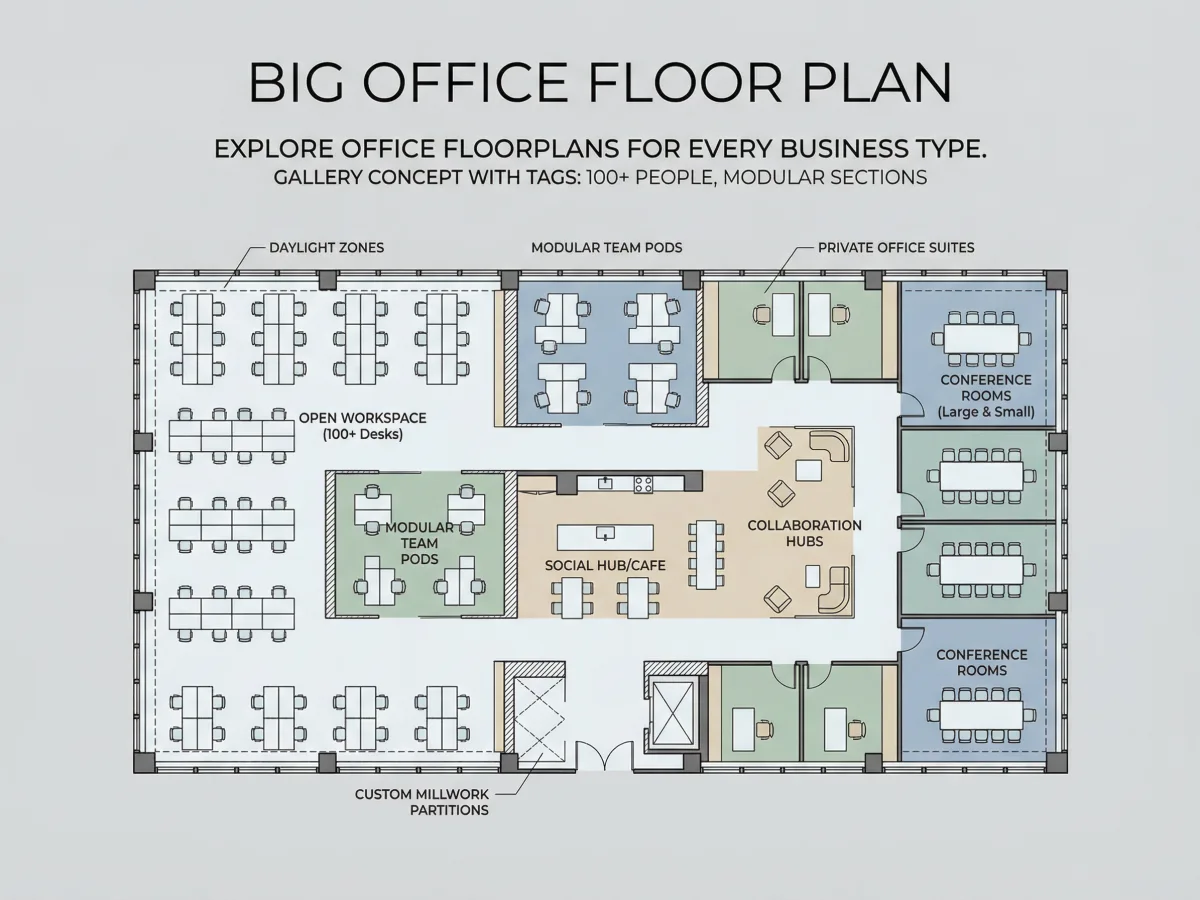
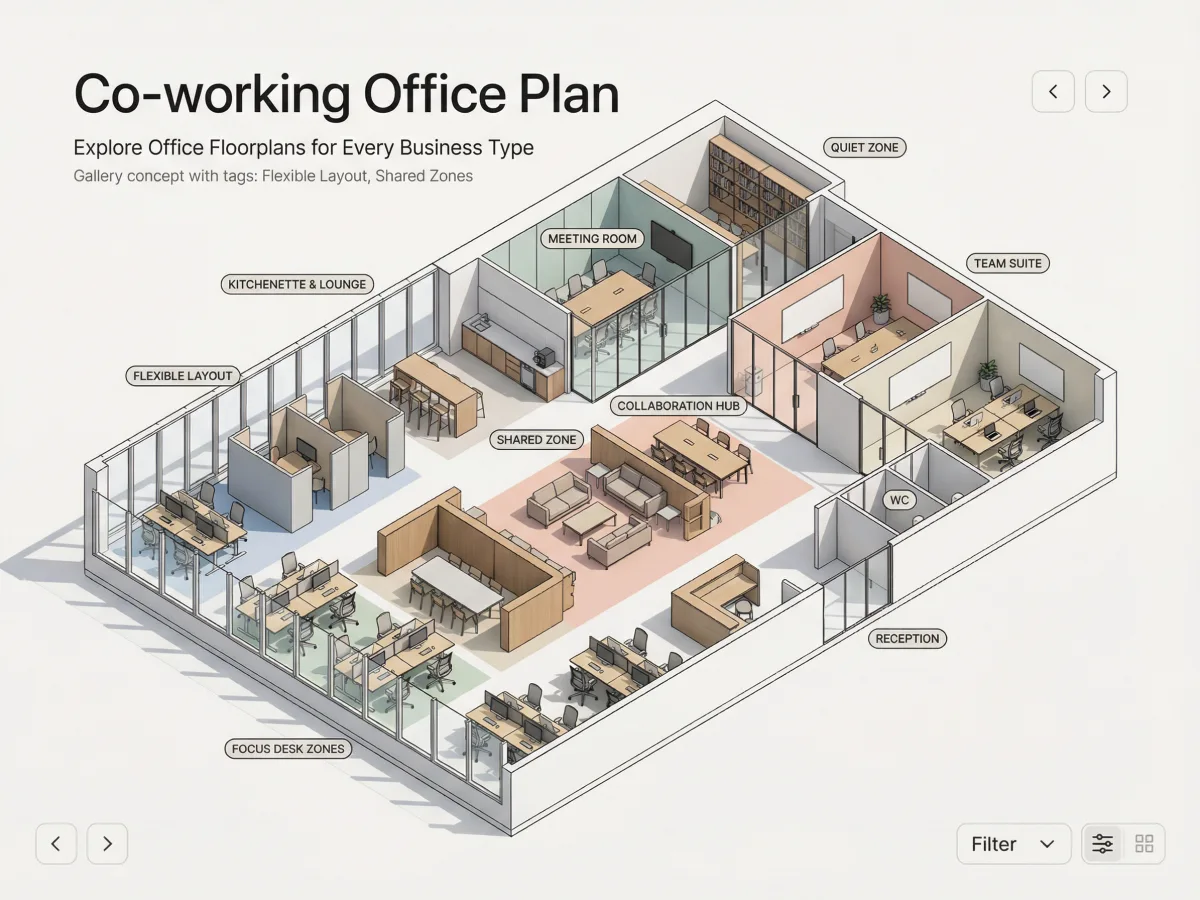
Compare four office layout directions shaped by different team structures, privacy needs, meeting patterns, and shared-space priorities.
A balanced office concept that combines enclosed offices with a central open workspace and client-facing rooms.
An office concept organized around open desk rows, focused conversations, visitor reception, and practical support spaces.
A hybrid workplace concept that supports shared workstation clusters, enclosed team rooms, calls, meetings, and informal collaboration.
A coworking concept that separates concentrated work, open workstations, meetings, collaboration, storage, and social space.
Our office floor plan designer free workflow supports a wide range of users, project types, and business needs.
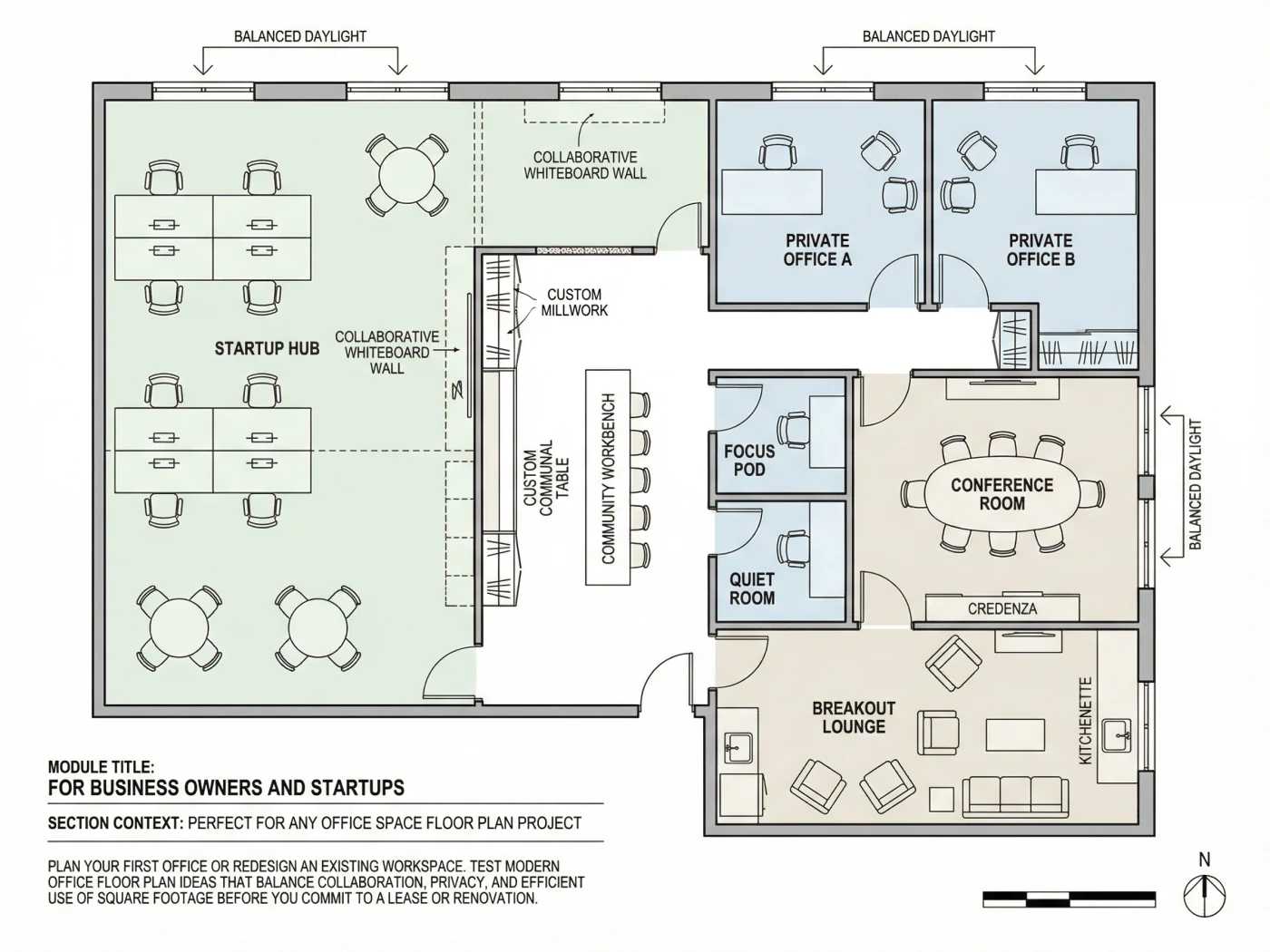
Plan your first office or redesign an existing workspace. Test modern office floor plan ideas that balance collaboration, privacy, and efficient use of square footage before you commit to a lease or renovation.
Create office layout floor plan options for reconfiguration, expansion, hot-desking, executive suites, meeting rooms, and support spaces, then share concepts with leadership and stakeholders more easily.
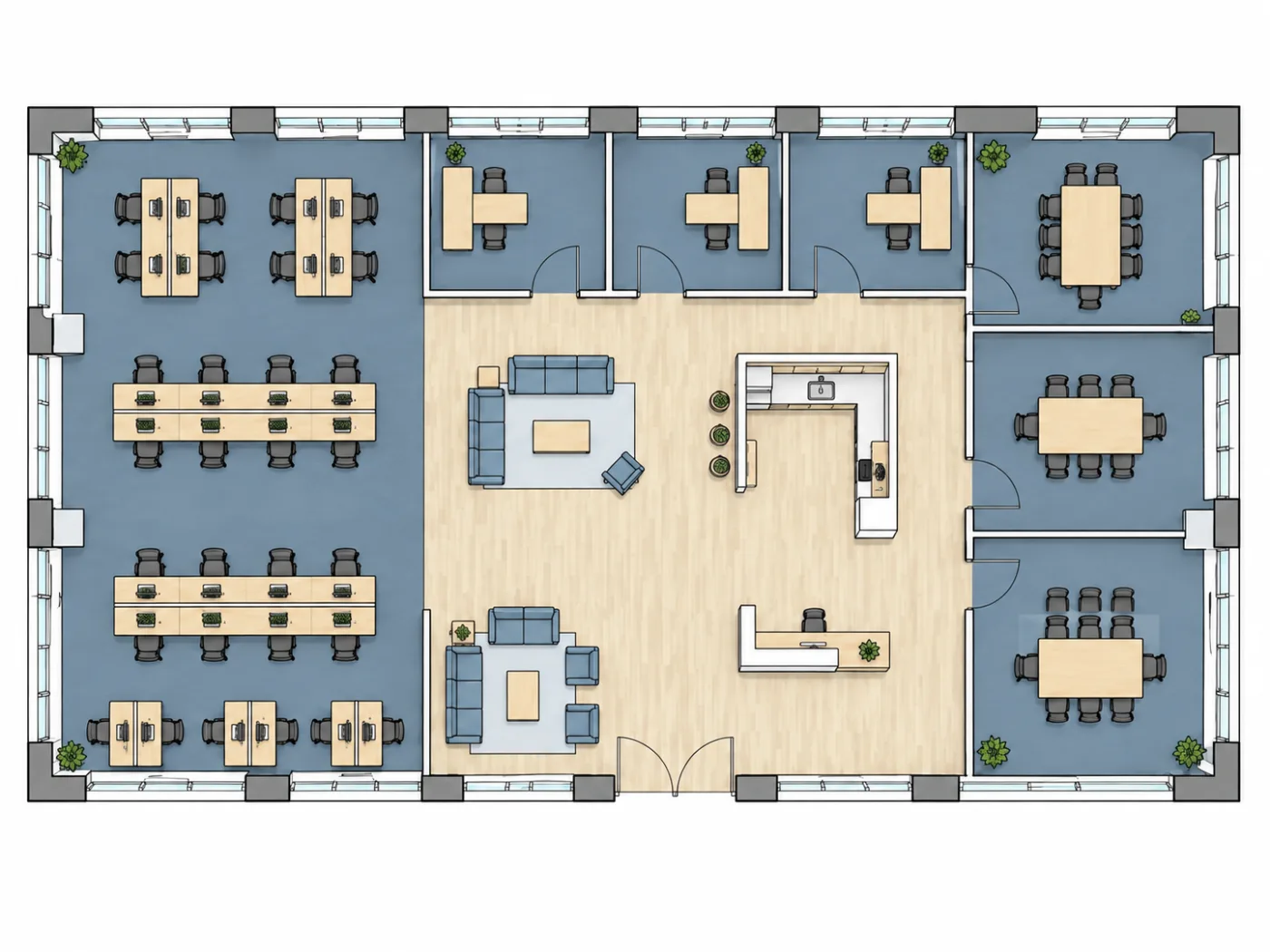
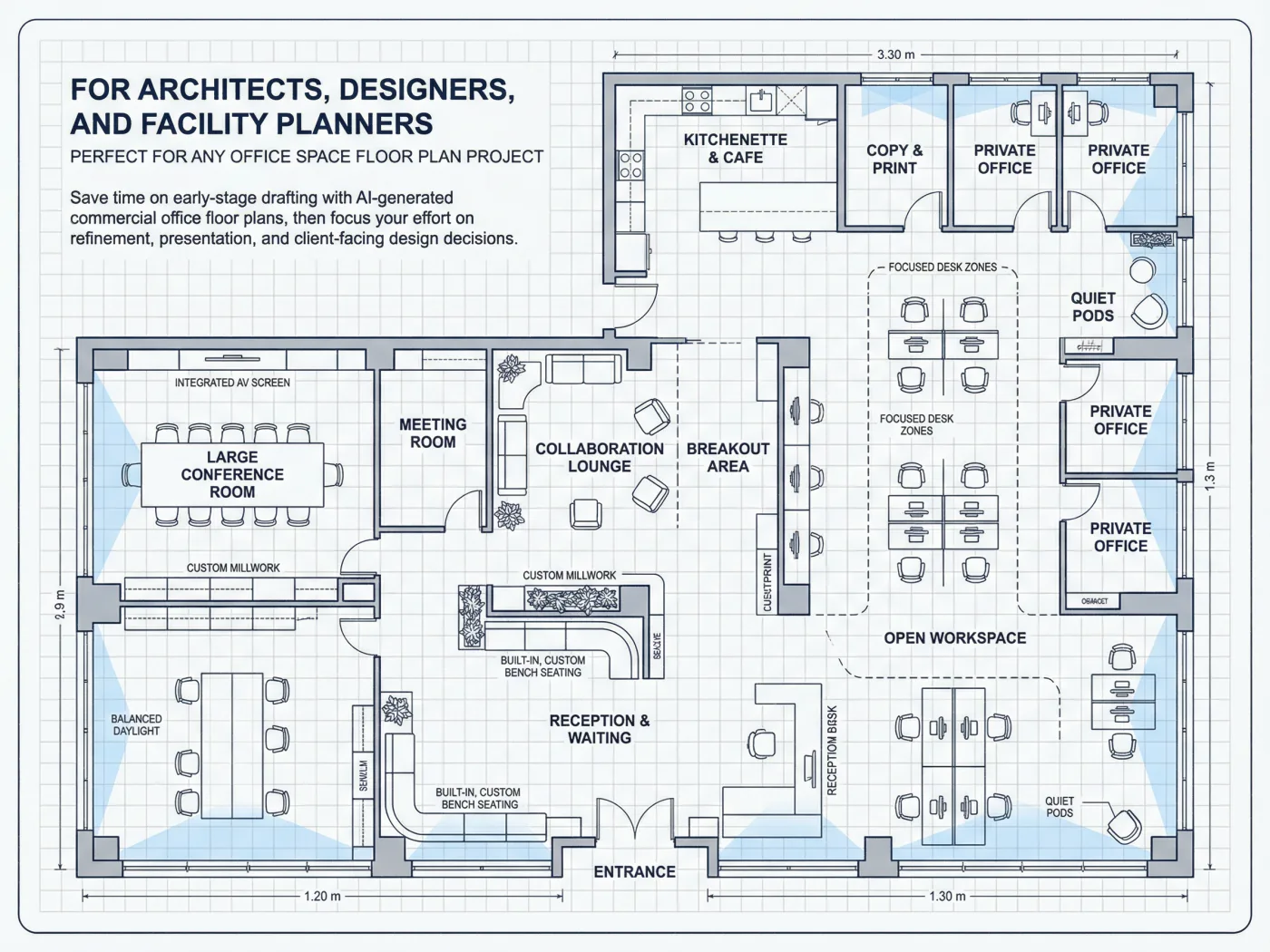
Save time on early-stage drafting with AI-generated commercial office floor plans, then focus your effort on refinement, presentation, and client-facing design decisions.
Add your office requirements, generate an initial layout, refine it in the editor, then review and export the result.
Add the total area, team size, workstations, meeting rooms, support spaces, and layout priorities.
Generate an initial office floor plan, then refine it using the available editing tools.
Review the result in supported 2D or 3D views and export it as DXF, PDF, PNG, GLB, STL, or OBJ.
Export your office floor plan in supported formats for editing, review, presentation, and compatible 3D workflows.
| Format | Recommended Use |
|---|---|
| DXF | Continue refining the 2D office layout in compatible CAD software. |
| Share the floor plan with team members, clients, or other project stakeholders for review. | |
| PNG | Download a clear image for presentations, documents, and quick communication. |
| GLB | Use the exported 3D model in compatible web-based and real-time visualization tools. |
| OBJ | Continue working with the office model in compatible 3D design and visualization software. |
| STL | Download the generated 3D geometry in STL format for use in compatible modeling applications. |
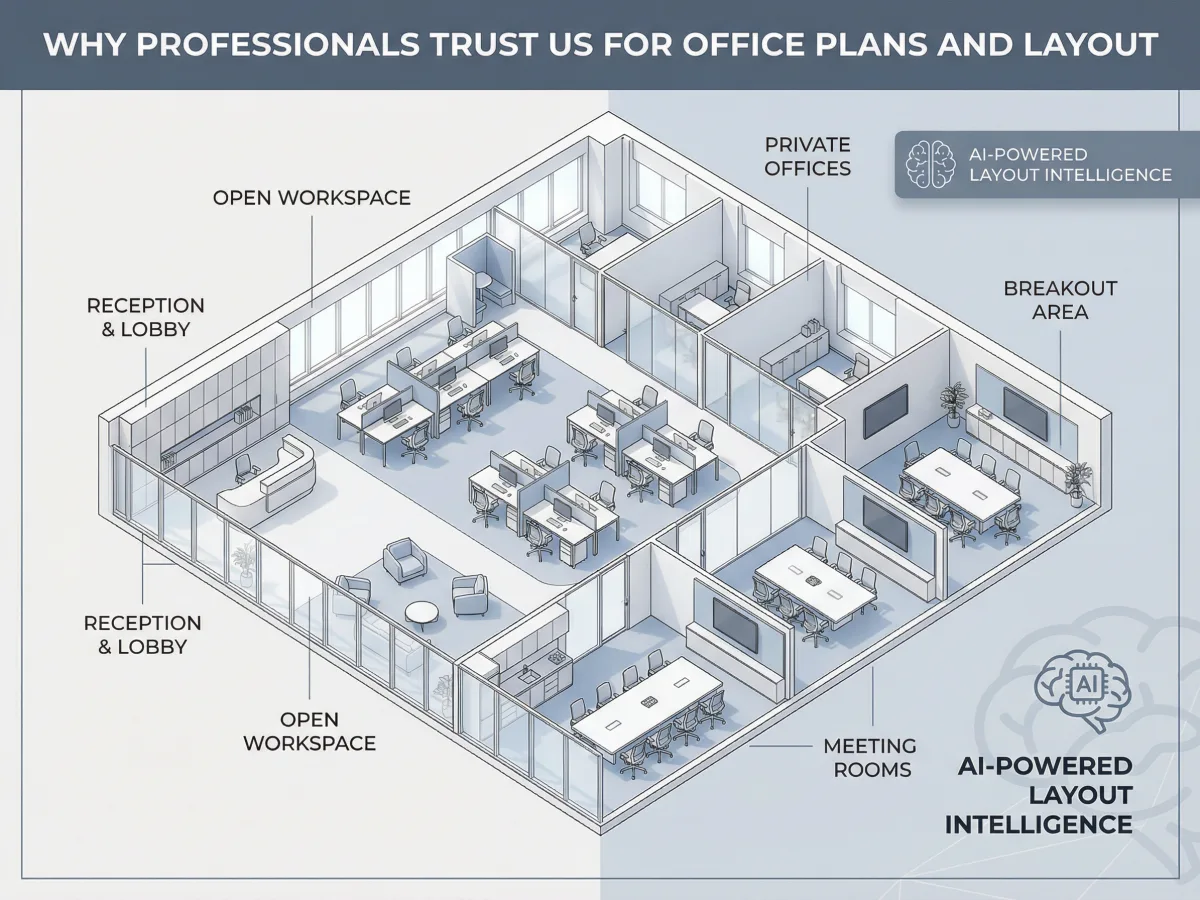
A strong office floor plan designer needs more than pretty output. It has to be fast, flexible, scalable, and ready for real planning work.
See what the tool helps you create, edit, and export—and which project decisions still require professional review.
| What You Get | What You Do Not Get |
|---|---|
| An AI-generated office floor plan based on your requirements | Architect-stamped drawings |
| An office layout you can refine with the available editing tools | Automatic building-code approval |
| Workstation, room, furniture, and circulation planning | Structural, electrical, plumbing, or HVAC plans |
| DXF, PDF, and PNG export options | Guaranteed permit approval |
| GLB, OBJ, and STL 3D export options | Verified print-ready STL geometry |
| The ability to revise the layout and explore alternatives | Guaranteed construction accuracy without professional verification |
| A visual plan for review, presentation, and further development | Complete construction documentation |
Use the generated plan as a design and communication starting point. Confirm code, structure, building systems, dimensions, and construction decisions with qualified professionals.
Browse our collection of professionally designed office layout plan templates. Click any template to start customizing.
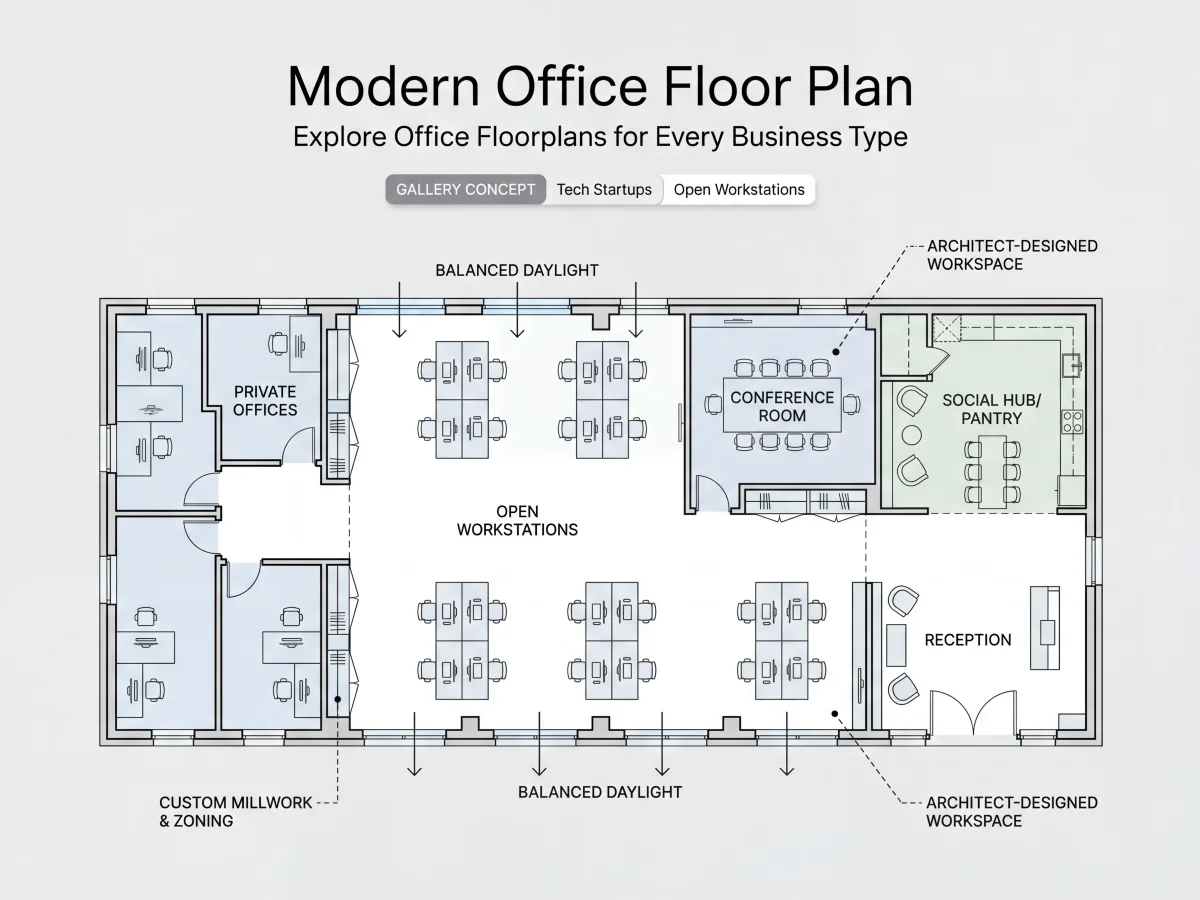
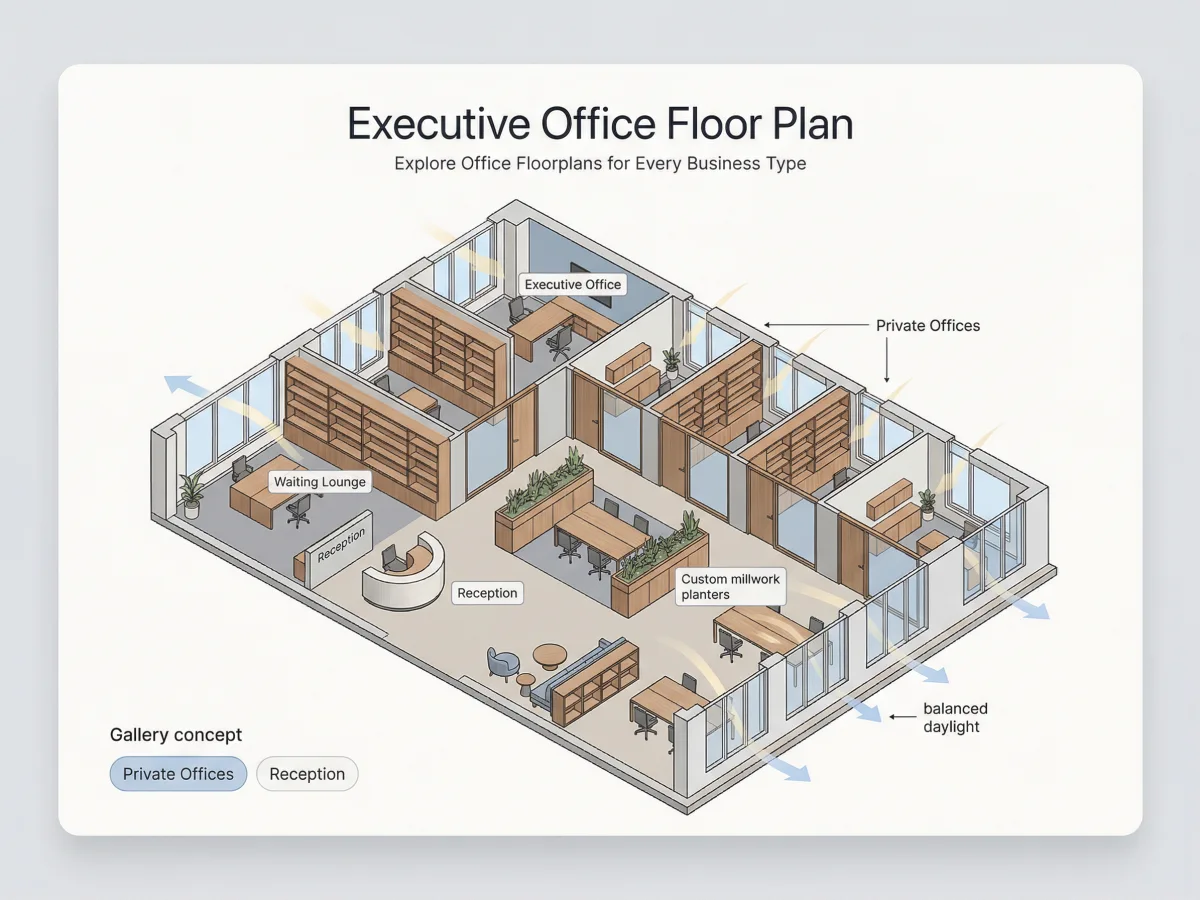
Convert the office floor plan you generated into an editable 3D model. Review the layout in a connected 3D workspace and continue refining supported elements.
"I needed a modern office floor plan for our new startup space. This tool generated great options in seconds, and we used the final office floor plan drawing to present to our landlord."
"As a designer working on commercial office floor plans, this is the fastest way I know to create office layout floor plan drafts for client approval. The 3D view makes a huge difference."
"We used it to reconfigure for hybrid work and create a corporate office floor plan with hot-desking zones and collaboration areas. The team loved seeing options before we moved anything."
Quick answers to common questions about creating office floor plans and layouts with AI.
No. You can describe your needs in text, choose a template, or start from scratch. The AI handles the layout logic, and the editor is designed to stay approachable.
Join thousands of businesses that have transformed workspace planning with AI. Start creating your office layout floor plan today with a familiar, fast workflow.
Free tier includes basic features. No commitment required.
Start with an existing layout
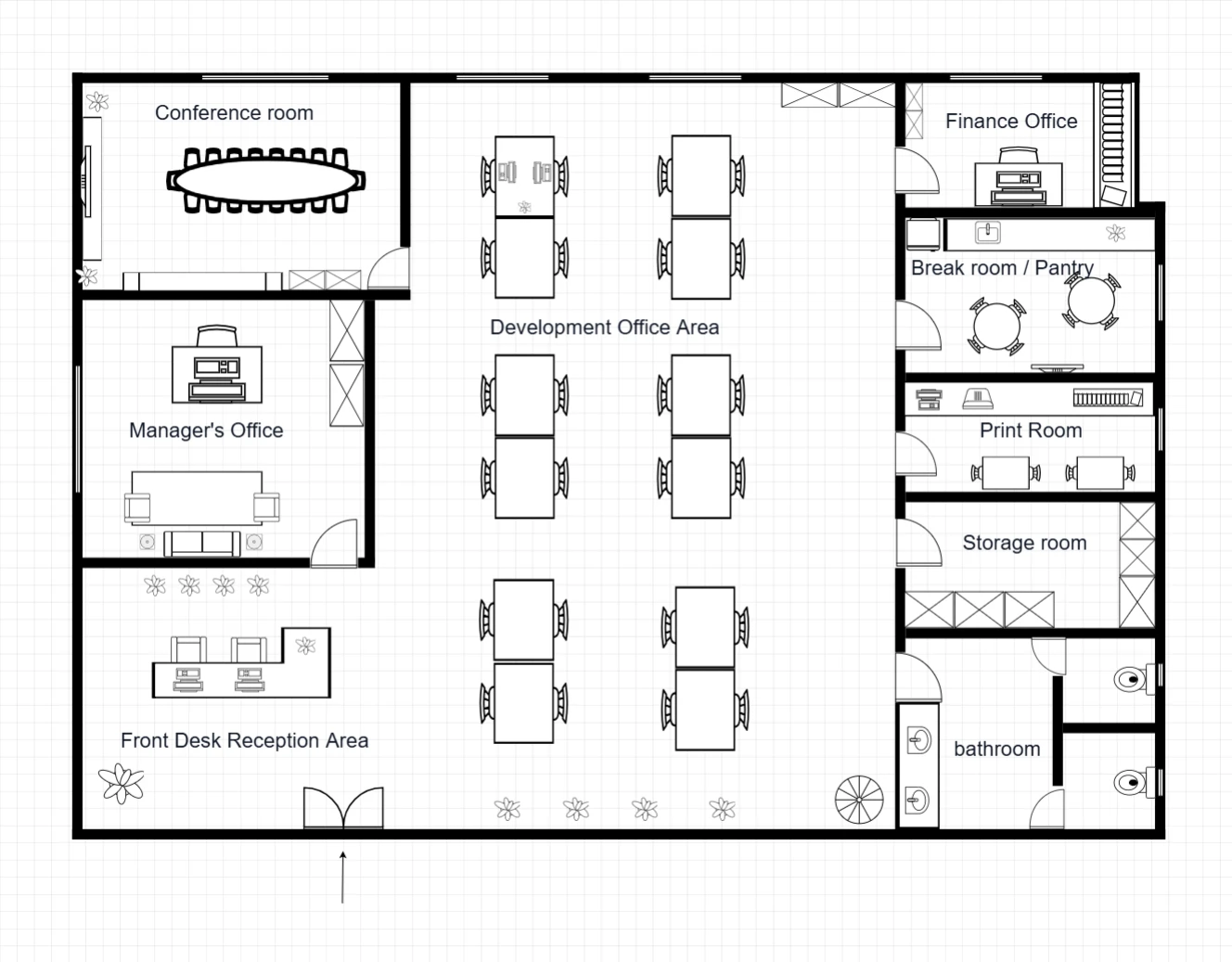
Combine an open desk area with enclosed meeting and private offices, reception and shared support rooms around the perimeter.
Generate a variation from the reference image, or edit a personal copy of the prepared layout.
Explore this template →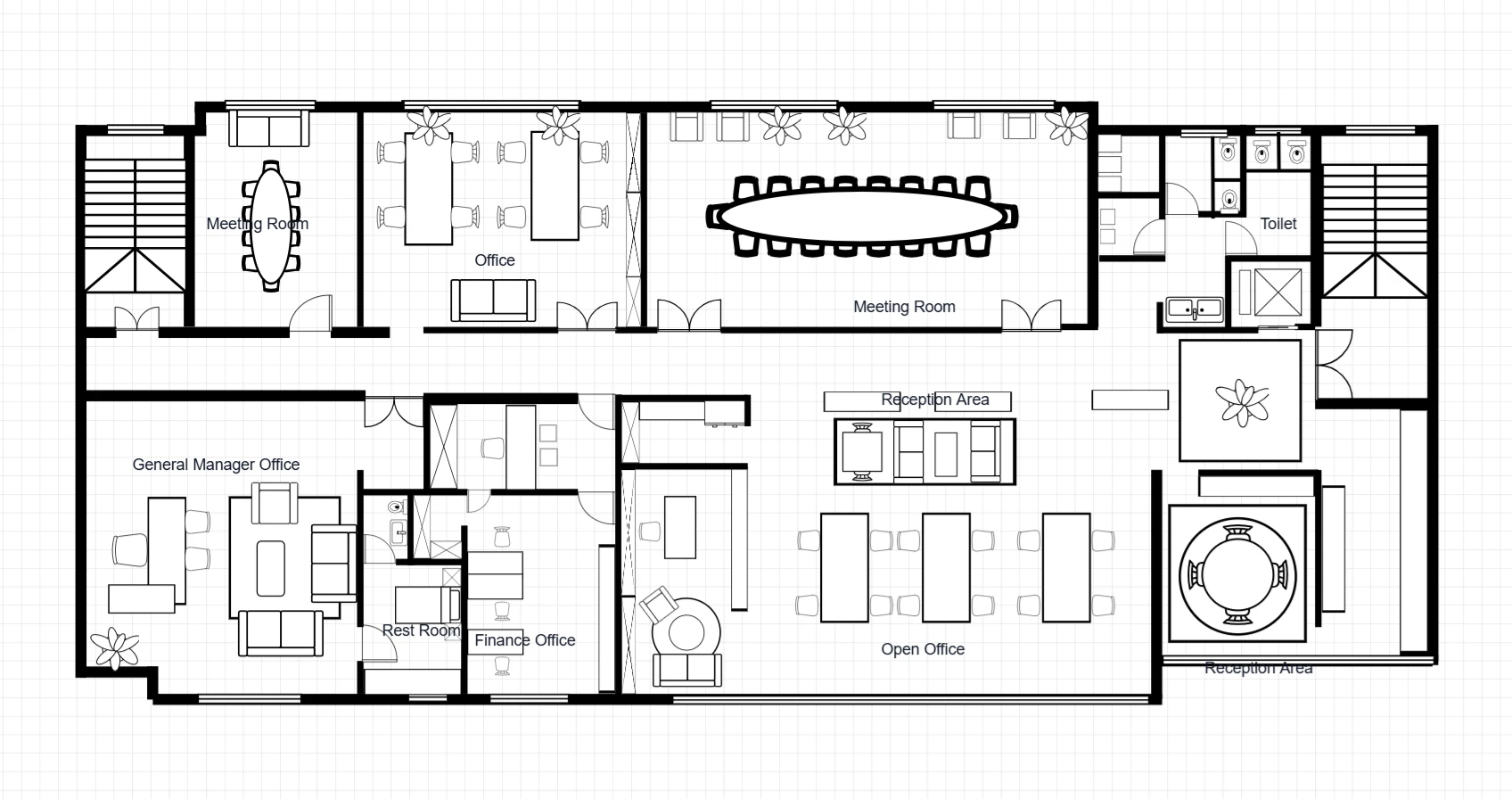
An office organized around a shared corridor, with two meeting rooms, open work areas, private offices and reception zones.
Generate a variation from the reference image, or edit a personal copy of the prepared layout.
Explore this template →