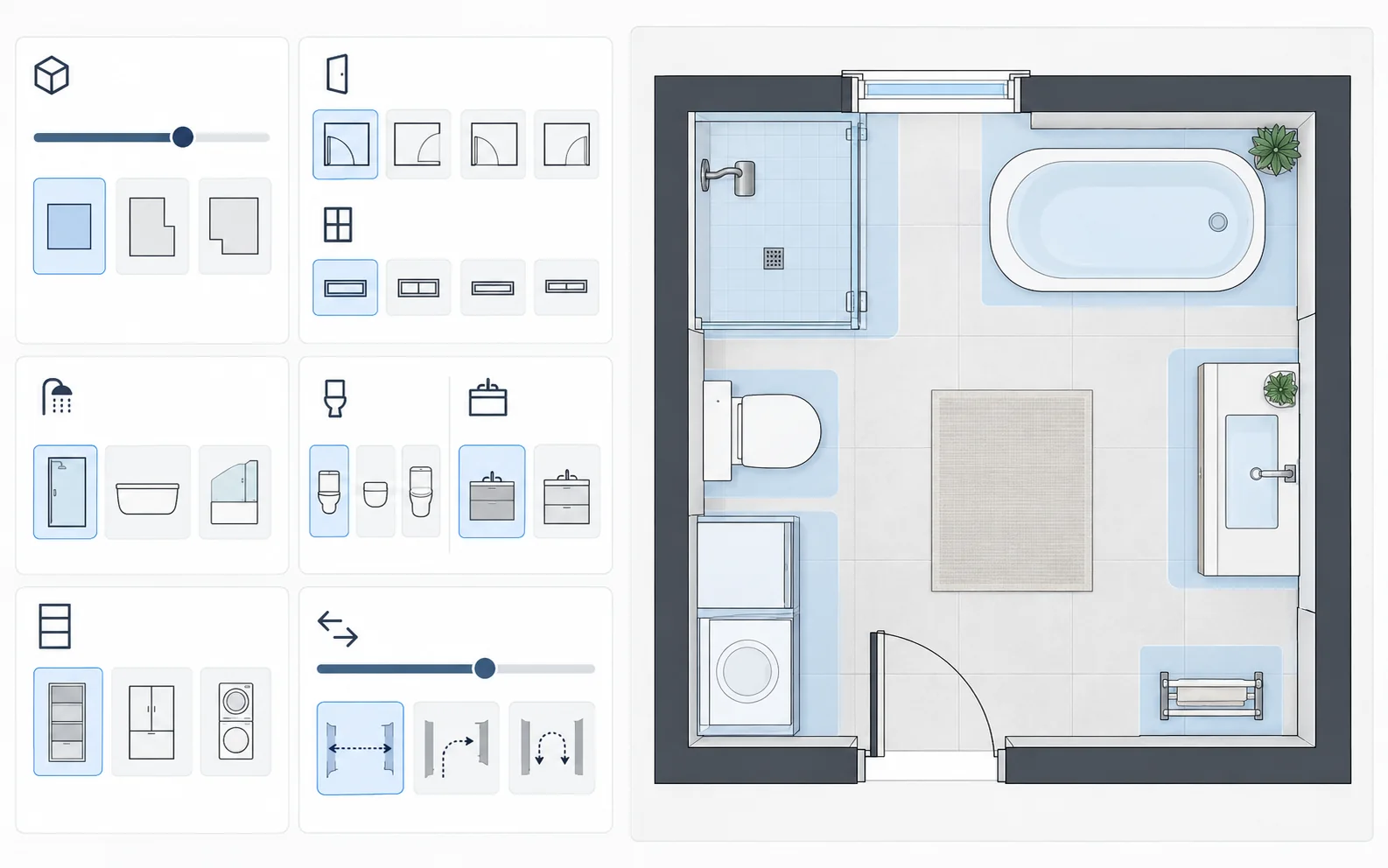
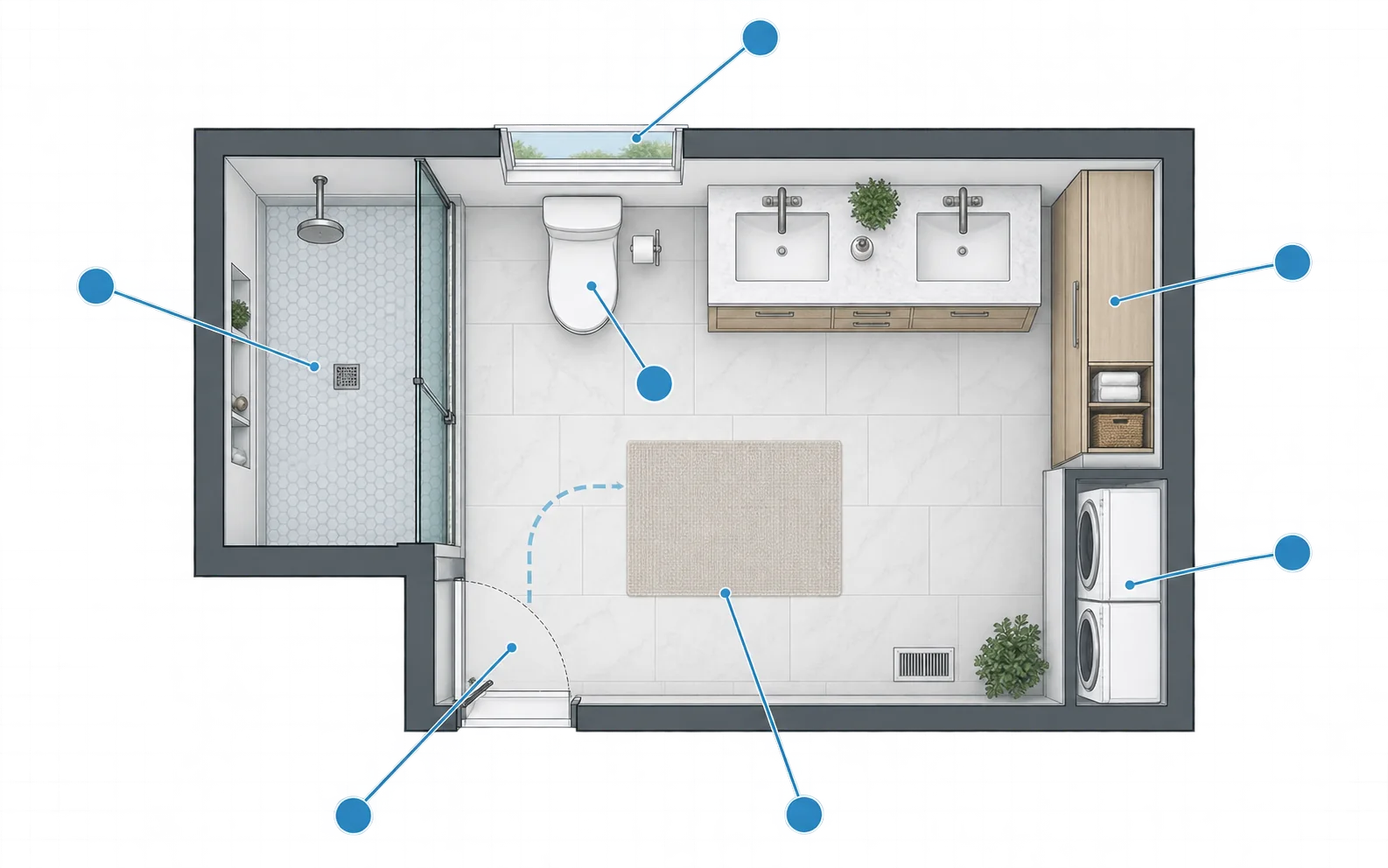
Plan a bathroom around its real dimensions, fixtures, and daily use.
Enter room size, door and window positions, shower or bathtub needs, vanity, storage, laundry, and circulation priorities. Generate a top-down concept, compare directions, and continue in the connected editor.
The supplied visuals are illustrative design references, not verified outputs from the live generator.
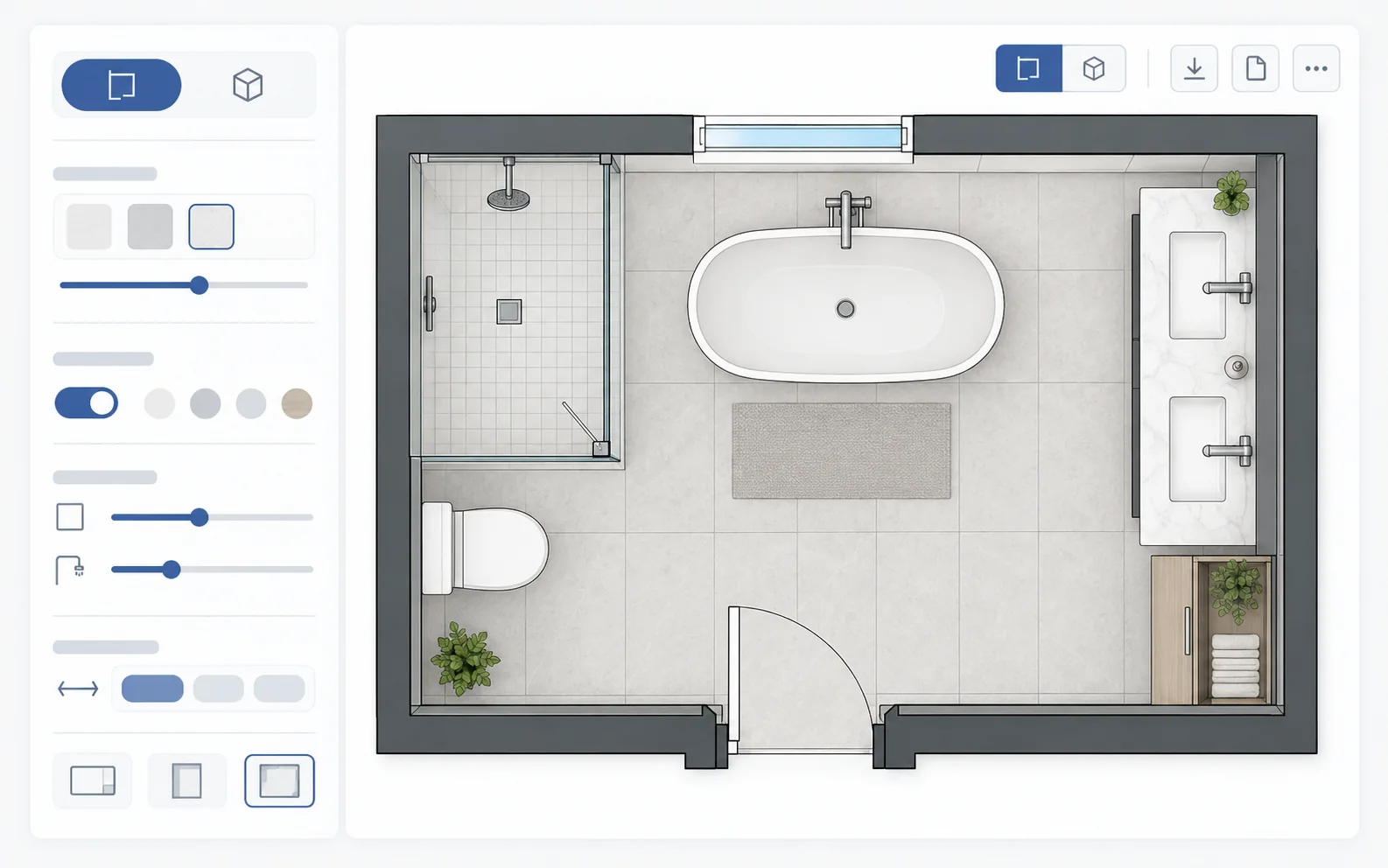
Describe the fixed room conditions and the fixtures that determine how the space can be organized.
Add width, length, units, and any irregular walls in the layout brief.
Describe their positions and opening directions.
Choose a walk-in shower, bathtub, or shower-tub combination.
Specify vanity count, basin needs, and toilet privacy.
Include cabinets, linen storage, or stacked appliances.
Describe space-saving, privacy, accessibility, or movement goals.

Compare bathroom briefs with illustrative top-down plan concepts. Use a brief to prefill the workspace.
A compact direction that prioritizes usable movement between fixtures.
A larger bathroom direction balancing bathing, storage, and privacy.
A small-bath direction with a more open central route.
A combined room direction that keeps appliances and bathing functions organized.
These supplied cases are visual prototypes, not verified live generator outputs. Enter actual measured dimensions and check every fixture before generating.
Follow the same project from requirements through review and export.
Describe dimensions, doors, windows, fixtures, and priorities.
Review a top-down concept against your brief.
Continue in the editor to refine supported openings, fixtures, and room elements.
Inspect supported 2D or 3D views and choose a compatible format.

See the main project states before continuing in the live editor.
Adjust supported room elements and compare another layout direction.
Editing and export images are interface illustrations. Actual available actions depend on the project.
Open the Bathroom Plan Editor →Check the decisions that matter most in a compact, fixture-heavy room.
Keep fixtures clear of the door and preserve a usable entrance.
Compare shower or tub location with vanity and toilet placement.
Account for cabinets and appliance access where relevant.
Review everyday movement and sightlines.
Use the concept for layout decisions, then verify measured dimensions, waterproofing, plumbing, ventilation, electrical work, accessibility, codes, and permits with qualified professionals.

Common planning scenarios for early review and discussion.
Compare shower, vanity, and door positions in a small footprint.
Balance bathing, storage, privacy, and clear routes.
Explore how appliances and wet areas can share one room.
Use a top-down concept to discuss priorities before measured design.
Enter approximate dimensions, fixtures, door and window positions, and layout priorities, then generate a concept and review it in the connected workspace.
You can describe measured width and length in the brief. The generated image does not guarantee exact dimensions; verify them in the editor and on site.
A useful concept can continue into the editor, where supported room, opening, and fixture elements can be refined. A generated image itself is not a fully editable model.
Yes. Include the measured width and length, fixtures, and door position. Compare the result against actual clearances.
Yes. Describe a stacked washer-dryer, storage, and wet-zone separation in the brief.
Depending on the project, supported formats include DXF, PDF, PNG, GLB, STL, and OBJ.
No. It does not validate plumbing, waterproofing, electrical, ventilation, accessibility, or local codes.
No. Qualified professionals must verify measurements and prepare construction or permit documents.
Start with measured room details and fixture needs, then compare a layout concept and continue refining it.