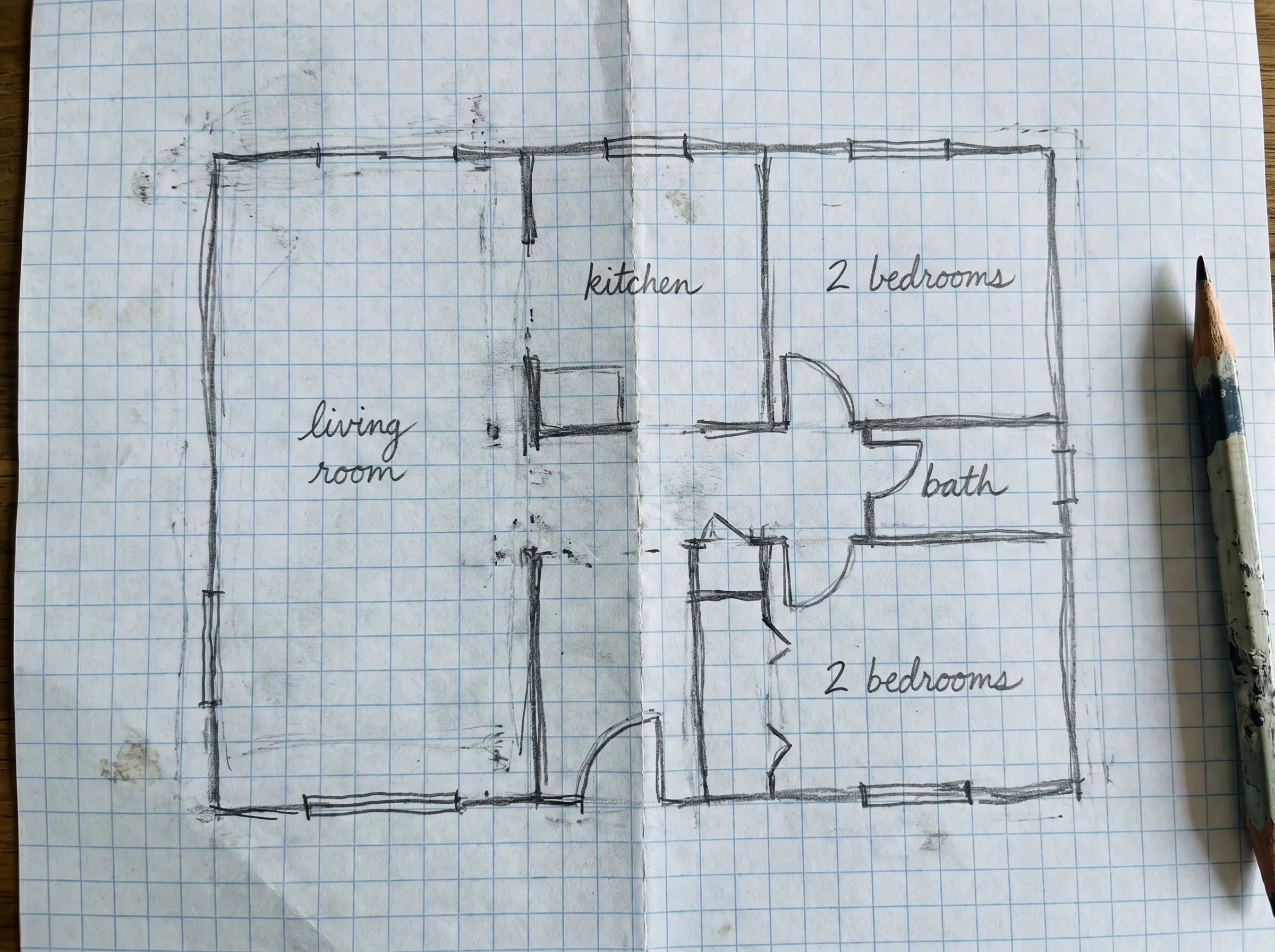
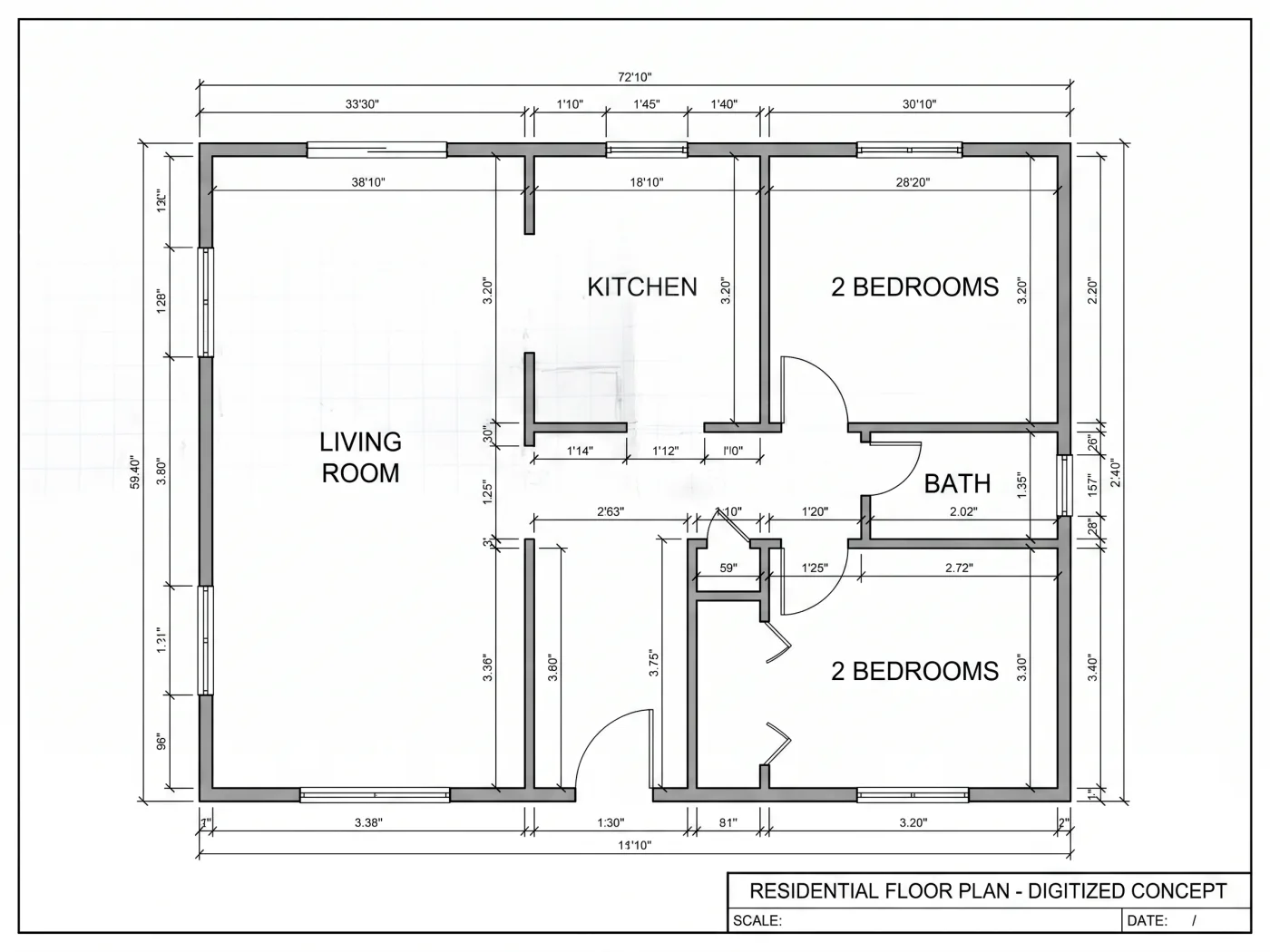
Don't let your ideas stay on paper. Instantly convert sketch to floor plan with our smart drafting engine. From simple hand-drawn doodles to professional blueprints, transform your sketch to floor plan AI tool effortlessly. No CAD experience required.
Stop redrawing from scratch. Discover the features that make manual drafting a thing of the past.
Our neural network is trained on thousands of architectural drawings. It instantly recognizes messy lines, doors, windows, and stairs, automatically aligning walls and snapping corners to create a perfectly scaled digital blueprint.
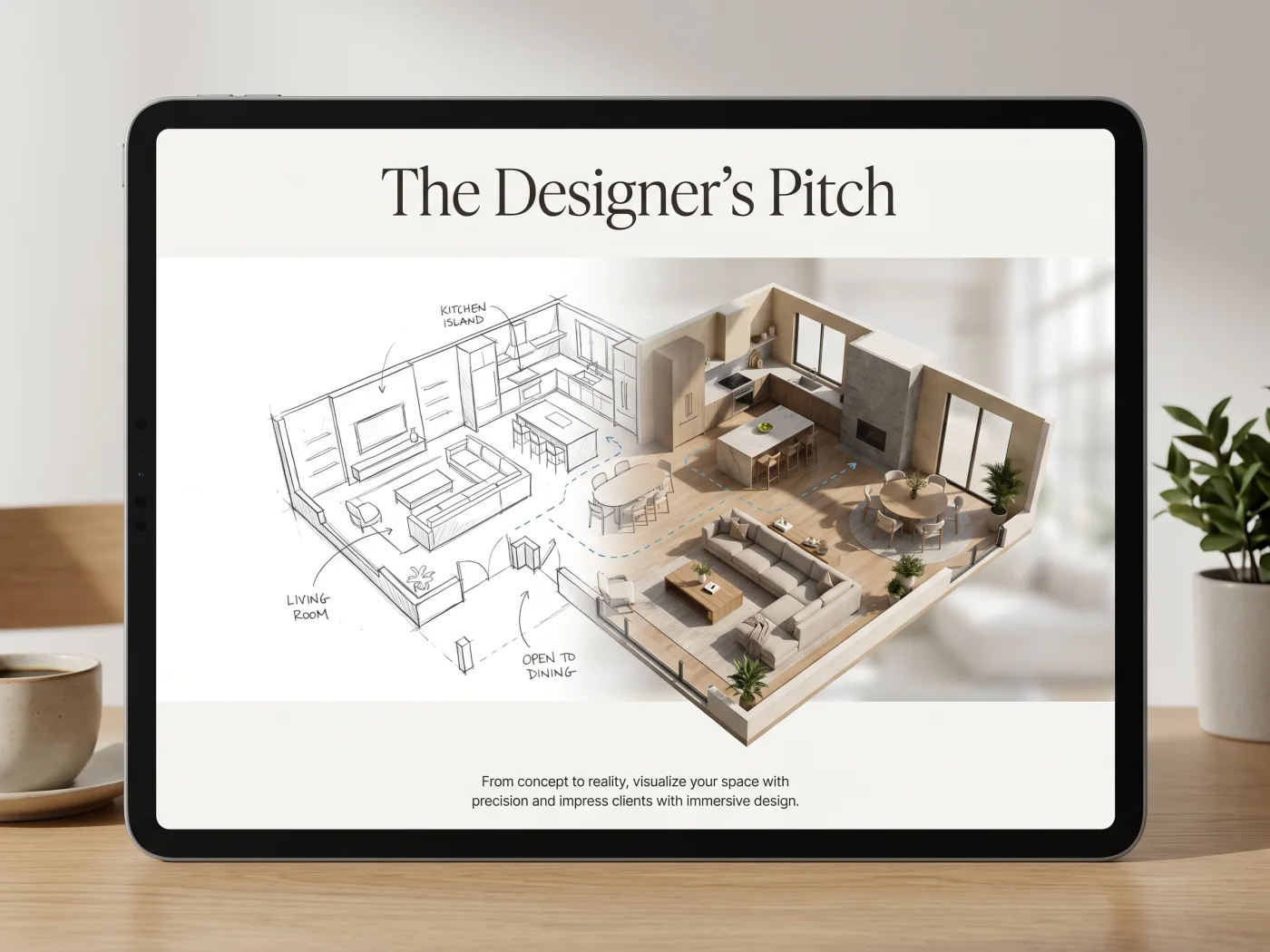
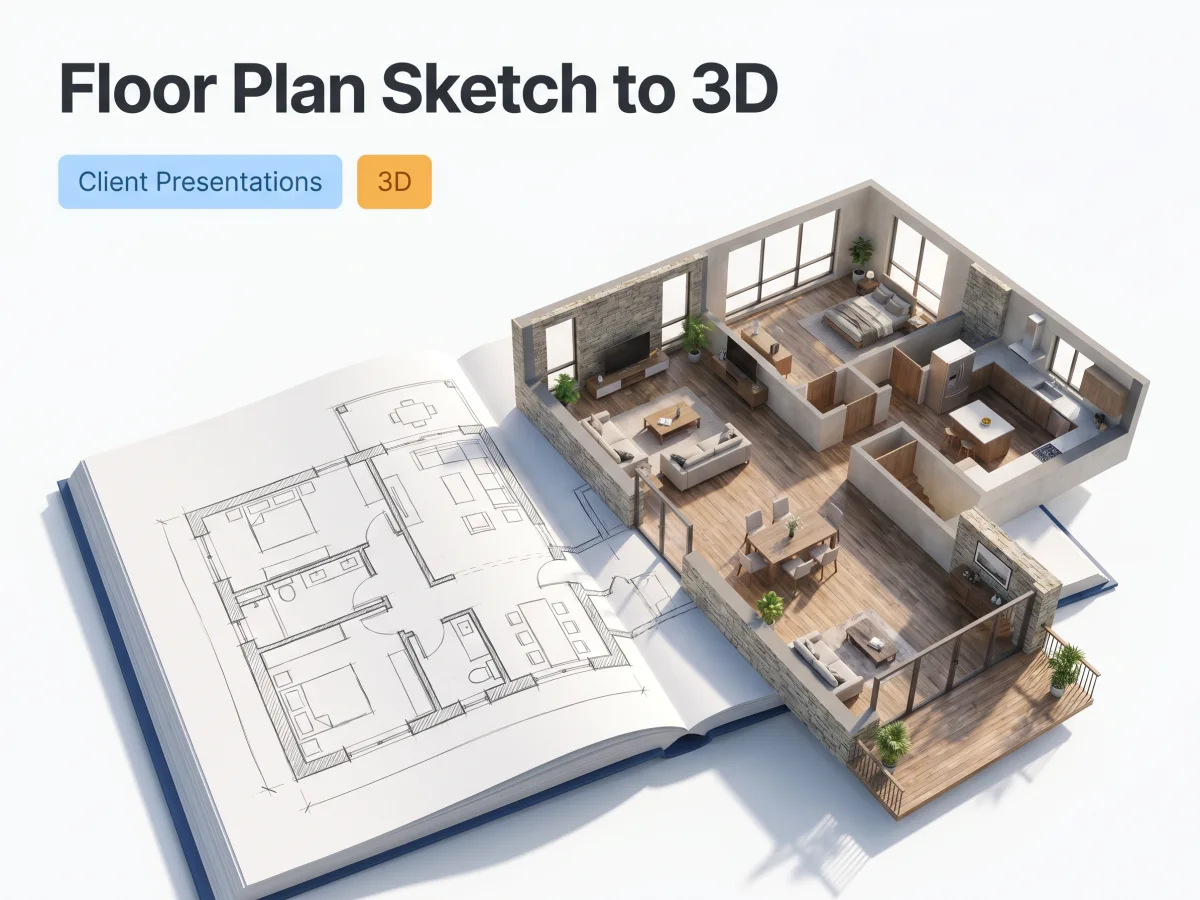
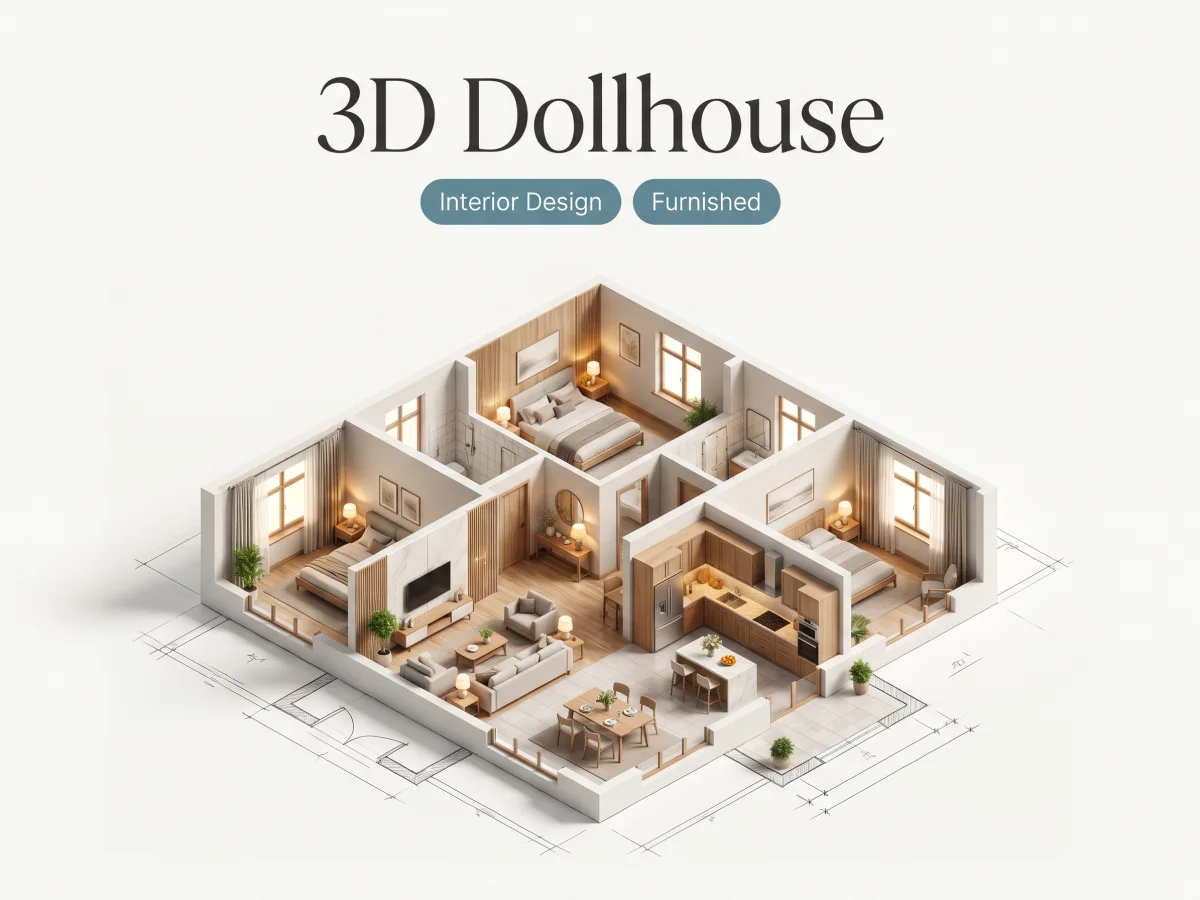
A 2D layout isn't always enough to visualize a space. With a single click, our engine extrudes your walls and generates a realistic 3D model. Experience volume, depth, and spatial relationships without learning complex 3D software.
No heavy CAD software to download or install. Access our powerful converter directly from your desktop or mobile browser. Simply snap a photo of your paper sketch, upload it, and get your digital files instantly.
After you convert sketch to floor plan, you retain full control. Use our built-in drag-and-drop editor to adjust wall lengths, add new furniture, or fix any hand-drawn errors before exporting to standard industry formats.
See how users across different industries successfully convert sketch to floor plan using our smart technology.

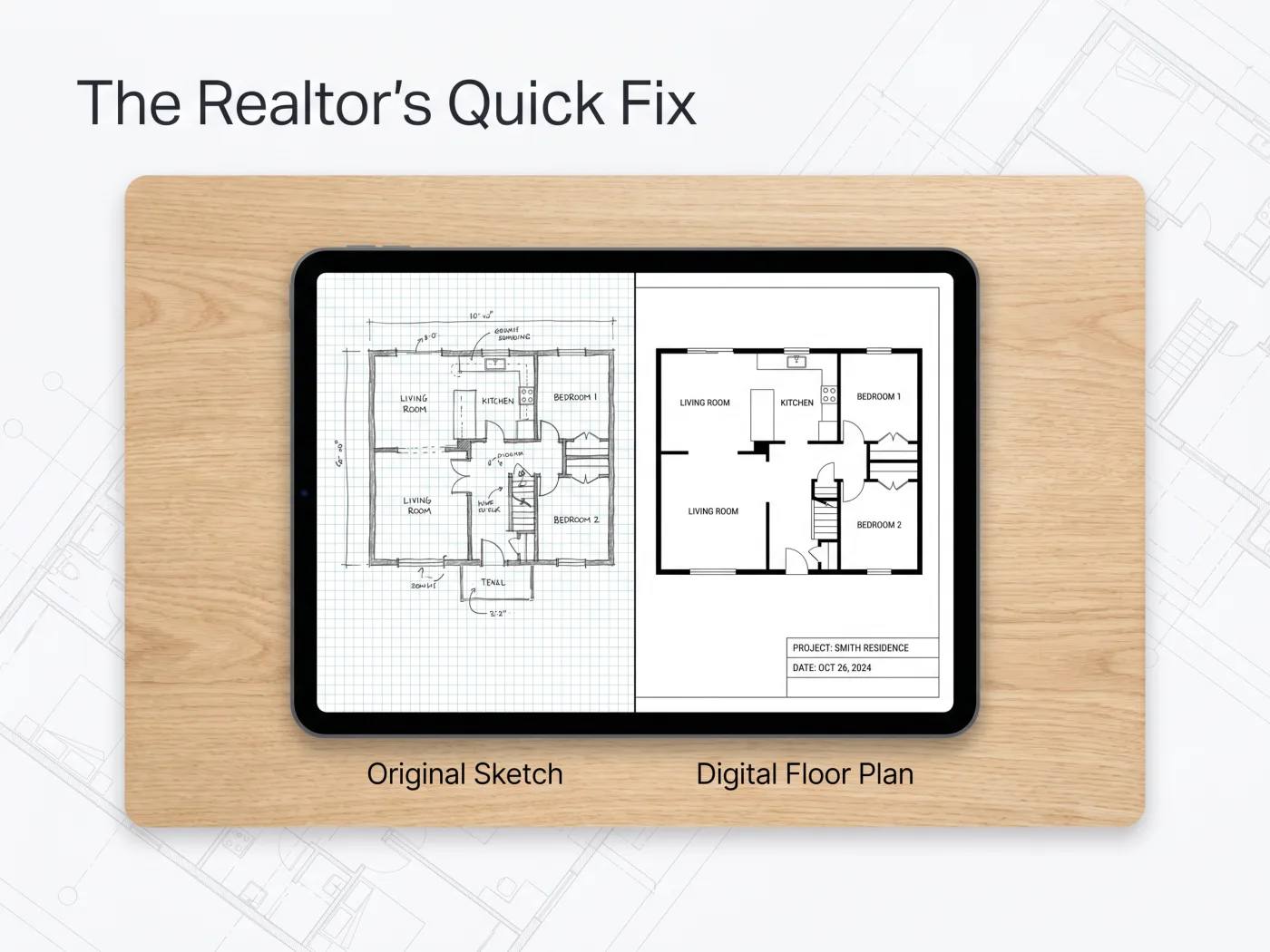
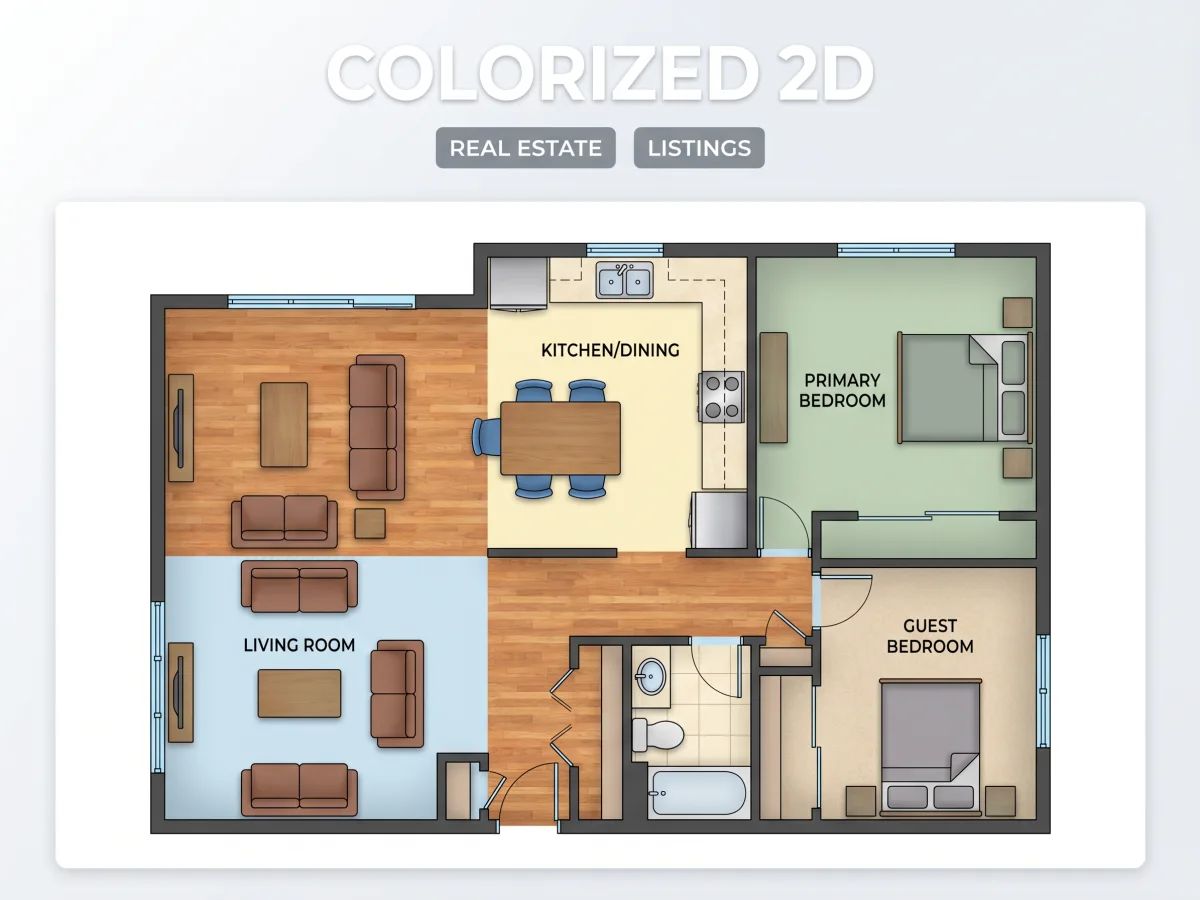
A real estate agent needed a digital layout for an urgent property listing but only had a rough pen sketch from the homeowner. Using our web tool to convert sketch to floor plan free online, a professional 2D listing floor plan was generated in 2 minutes, increasing the property listing's click-through rate by 40%.
An interior designer wanted to show a client the spatial volume of an open-concept living area. She uploaded her conceptual floor plan sketch to 3d generator and instantly secured client approval by presenting a fully extruded 3D model instead of flat lines.


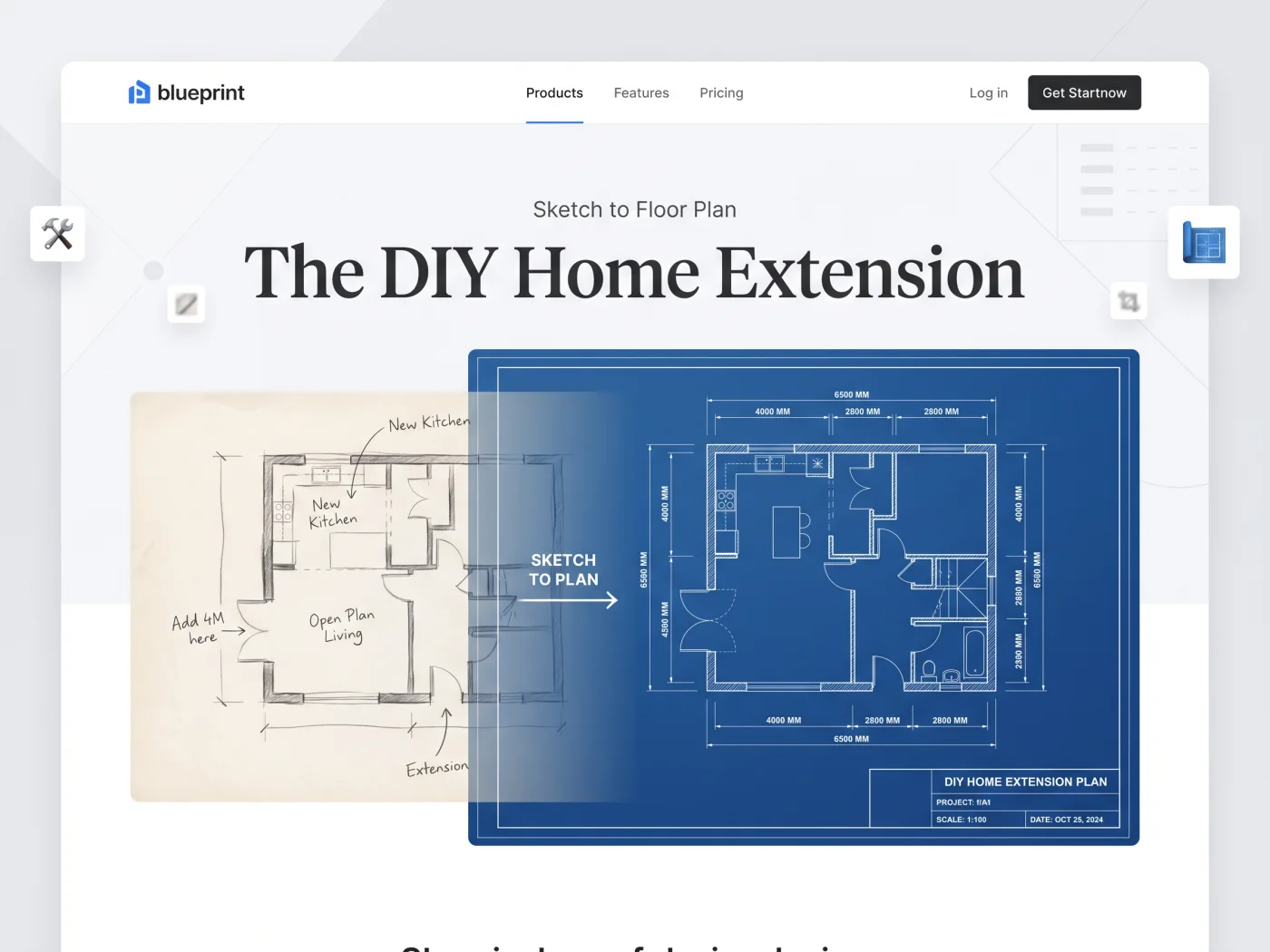
A homeowner needed to plan a kitchen extension but couldn't afford drafting software. They relied on our sketch to floor plan ai to digitize their graph-paper drawing and exported an accurate, scaled PDF that was accepted by local contractors for preliminary quoting.
From hand-drawn sketch to digital floor plan in minutes.
Sketch your room or building layout on a piece of paper. Don't worry about perfect straight lines—just include rough walls, doors, and windows. Snap a clear, well-lit photo with your phone.
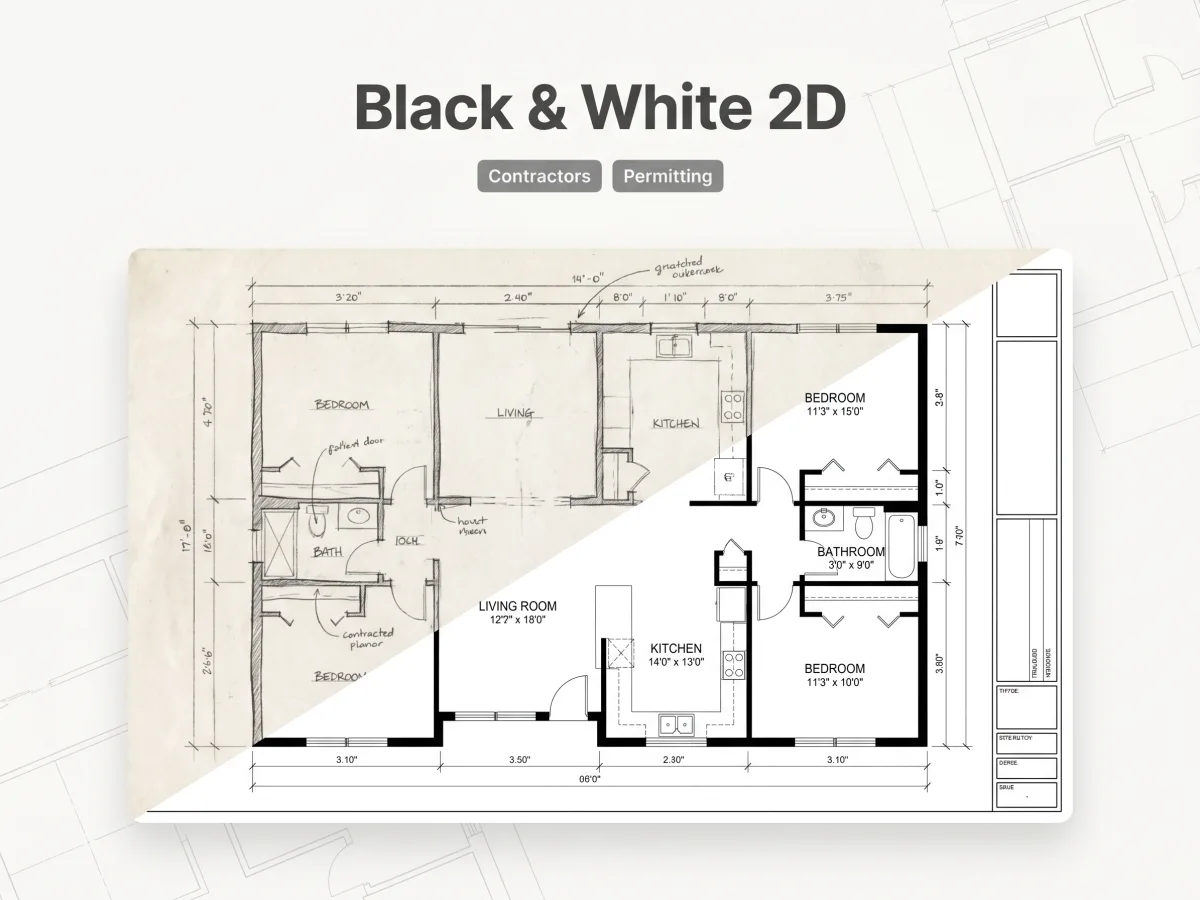
Upload your image to the workbench and choose your preferred output style—from clean 2D black-and-white to a fully rendered 3D model. Our sketch to floor plan ai engine instantly scans the drawing and generates a clean digital layout.
Review and fine-tune your digital floor plan using the built-in web editor, then switch to 3D view to explore your floor plan sketch to 3d. Download your finalized project in JPG, PDF, or CAD-compatible formats.

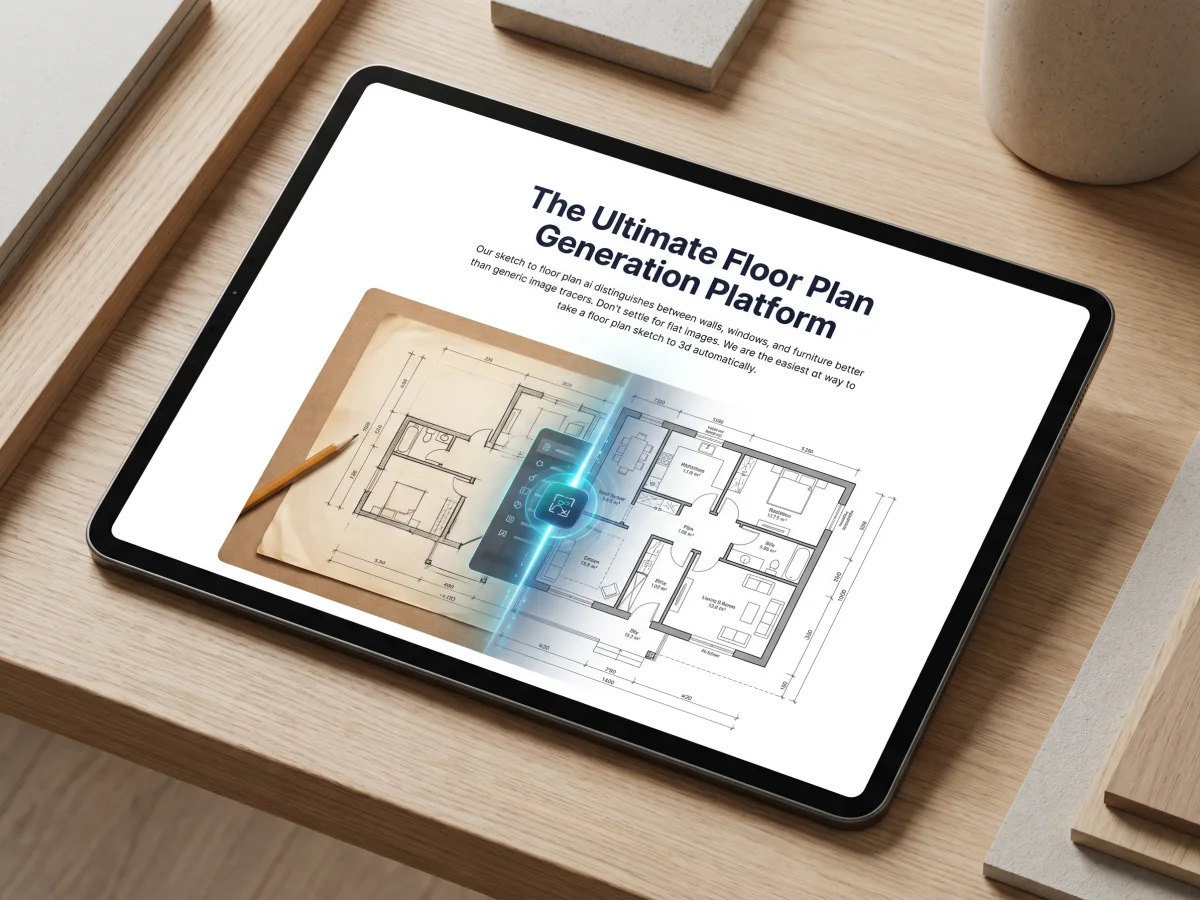
Our sketch to floor plan ai distinguishes between walls, windows, and furniture better than generic image tracers. Don't settle for flat images. We are the easiest way to take a floor plan sketch to 3d automatically.
Once you convert sketch to floor plan, choose from multiple visualization styles to perfectly communicate your layout.


"As a contractor, I frequently get horrible napkin sketches from clients. I use this tool to convert sketch to floor plan in my truck before sending it to my team. It saves me hours every week."
"I wanted to redesign my bedroom but had no technical skills. Being able to convert sketch to floor plan free online was a lifesaver. The interface is ridiculously simple."
"The AI is phenomenal. It took my rough iPad floor plan sketch to 3d in seconds. It allows me to present visual concepts to my clients during our very first meeting."
Quick answers to the most common questions about converting hand-drawn sketches to digital floor plans.
Join the thousands of professionals and DIYers who save hours of manual drafting. Let our sketch to floor plan ai digitize your ideas today.